
You can customize a report by removing metrics, changing their positions, and resizing them.
Open the report in editing mode. Hover over a metric to see the available controls.
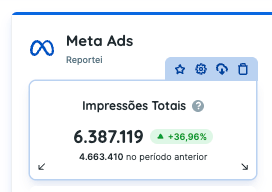
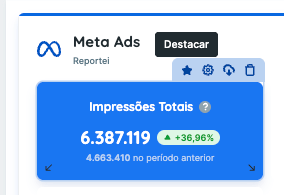
- The first icon highlights the metric in your report or dashboard, as shown below.
- Settings: configure the metric. See this guide for instructions.
- Export metric: export an individual metric to Excel or CSV.
- Trash icon: remove the metric.
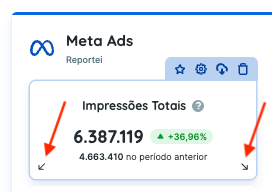
To move a metric, click and drag it to the desired position. To resize it, drag the arrow at a bottom corner.
You can also change the order of networks and edit tables and charts.
If you have questions, contact our Support team.