
You can upgrade or downgrade your plan when needed.
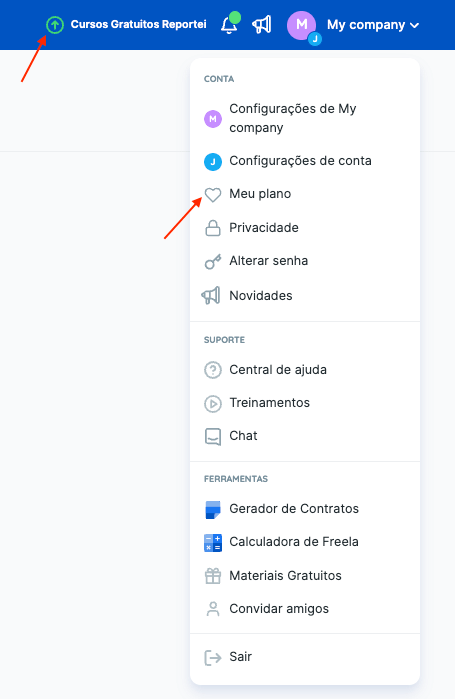
In Reportei, open the upgrade page, or click Update plan under My plan in your account settings.
You will see your current plan, the available plans, the number of projects you can choose, and the available billing intervals.
After you click Change plan, the payment system shows a confirmation with your current plan’s price, the price difference, and the amount payable for the upgrade (or the credit for a downgrade). Click Confirm to proceed.
For card payments, the amount is charged automatically to the account’s default payment method. For subscriptions paid by Brazilian boleto/Pix, you are directed to a page with a Pix payment key.
If you have questions, contact our Support team! =)