
To change your current password, open Account settings from the menu in the top-right corner and choose Change password.
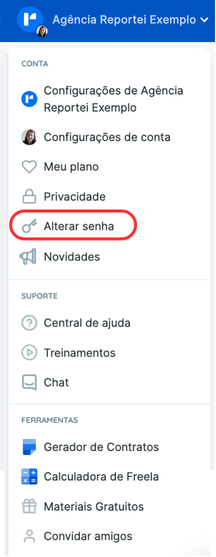
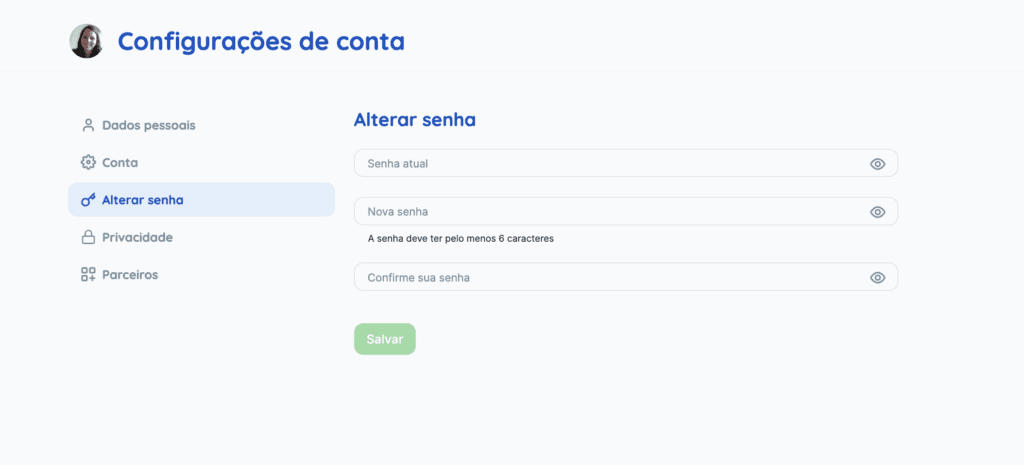
You can also use the change password option in Account settings.
If you have forgotten your password, enter your email on the login page and select Forgot your password?. Follow the reset instructions and check your email for the password-reset message.
If you have questions, contact our Support team.