
Browser extensions can affect how websites load by injecting code or scripts that change page behavior. This may include blocking ads, tracking, or pop-ups, or changing the page’s appearance.
Some Reportei customers using certain extensions have experienced missing data or blank areas while browsing. Here is an example:
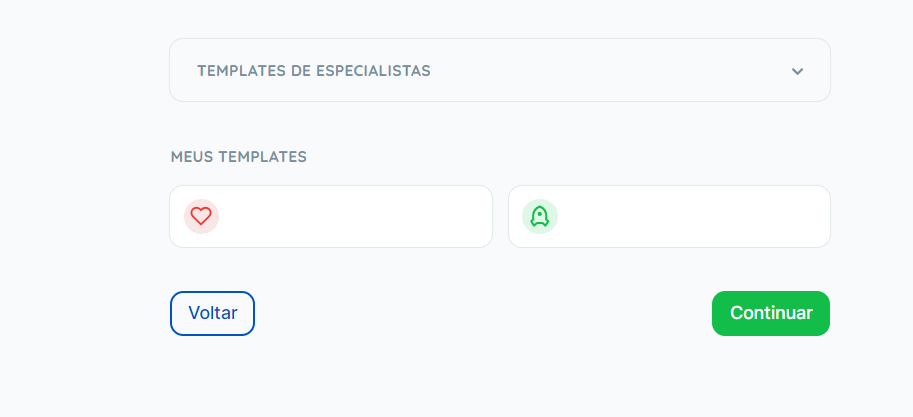
Another reported issue is that buttons, such as Continue, do not respond when clicked.
If this happens, try these steps:
- Reload the page while bypassing cached content. In Chrome, press Ctrl+Shift+R on Windows/Linux, or Shift+Command+R on macOS;
- Disable extensions for the Reportei website.
Refresh the page after completing these steps and check whether it displays correctly. 😀
If you still have questions or the issue continues, contact our Support team! =)