
Using mention and collaborator in Flux is a great way to increase the reach of a post and strengthen partnerships, but these features depend on some settings of the social network itself.
When creating a post in Flux, you can mark another account as a collaborator or mention a profile directly in the post, and therefore it’s important to follow the rules below to avoid the post failing.
📌 Availability by network
- Collaborator available for Instagram and Facebook
- Mention available only for Instagram
Collaborator in posts on Flux
Using the collaborator feature when creating a post in Flux allows you to add another account as a co-author of the publication, causing the content to appear on both accounts’ profiles.
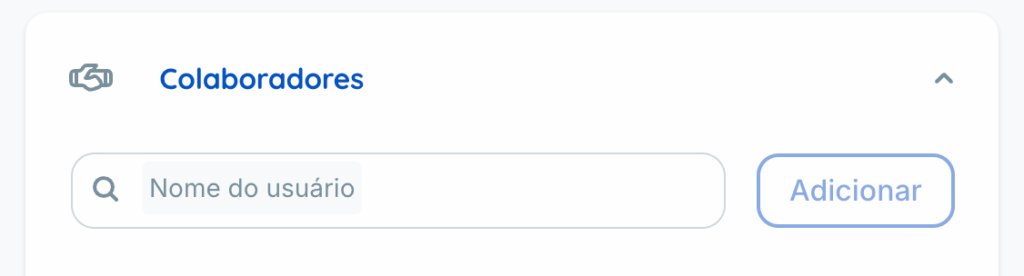
To function properly, the mentioned account needs to
- Be a public account
- Have the username entered exactly as it appears on the social network. There’s no need to insert the @ before the username as it will be automatically considered.
- Have the option to allow collaboration invitations activated in the network’s privacy settings
If any of these points are not met, the post may fail.
Available for Instagram and Facebook
Mention in posts on Flux
Using the mention feature when creating the post in Flux allows you to tag another profile in the publication
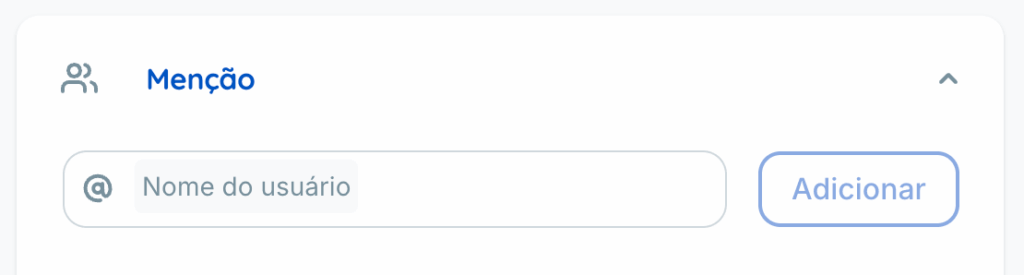
For the mention to work correctly, the mentioned account needs to
- Have the username entered correctly There’s no need to insert the @ before the username as it will be automatically considered.
- Have the option to allow mentions activated in the network’s privacy settings
If the profile is private, the username is incorrect, or the account does not allow mentions, the post may fail.
Available for Instagram
Special attention, privacy always prevails
An important point that raises doubts even if the account is public and the username is correct, the post may still fail if the person has manually disabled the permission for mentions or collaborations in the social network’s privacy settings
In other words, the three factors below need to be correct at the same time:
| Factor | Collaborator | Mention |
|---|---|---|
| Public account | Mandatory | Mandatory |
| Username entered correctly | Mandatory | Mandatory |
| Permission activated in the network’s privacy settings | Mandatory | Mandatory |
Since this permission is in the settings of the social network itself, not in Flux, it’s not always possible to know in advance if it’s activated. Therefore, if the publication fails even with everything apparently correct, the first point to check is this configuration in the mentioned profile.
Why did my publication fail
If you used mention and collaborator when creating posts in Flux and the content failed to post, check
- Is the username written exactly as it appears on the social network?
- The mentioned account is public
- The mentioned account allows collaboration invitations/mentions in its privacy settings
If all these points are correct and the error persists, please contact our support so we can investigate in more detail.