
Reportei lets you customize a report to suit you and your client. You can rearrange platforms and metrics, highlight or remove metrics, and customize tables by hiding rows or columns and changing their sort order.
To reuse that layout in other reports, save it as a template. You will not need to repeat the same edits each time.
After formatting the report, click Save report as template in the toolbar above the report header.

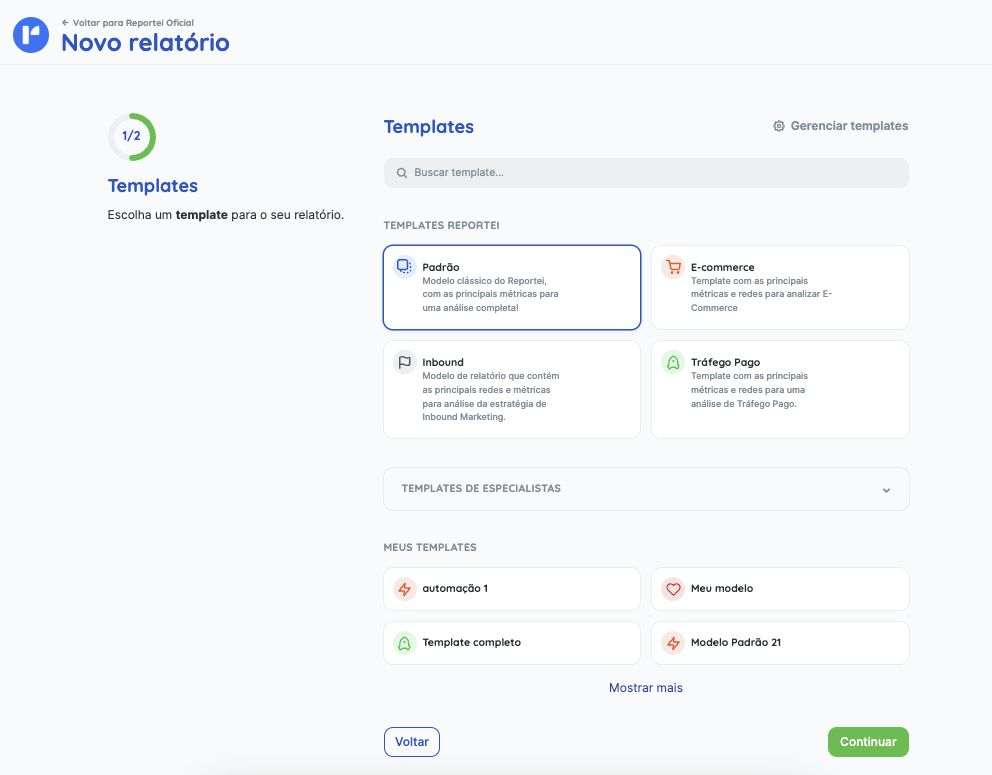
The next time you create a report, your saved templates will be available in the template selection step. Choose the one you want and continue creating the report.
Watch the video for more information about customizing reports:
If you have any questions, contact our support team.