
First, make sure the account you want to add is connected to the project.
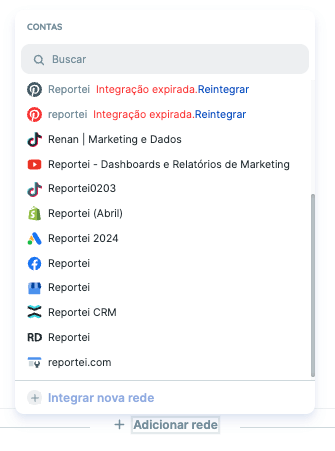
Open the existing report and click Add network at the end of a network block or at the bottom of the report.

Choose the account you want from the list of accounts connected to that project.
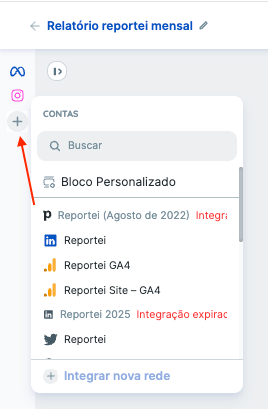
You can also add a network to a report or dashboard using the + icon in the left sidebar.
The metrics load after you add the network. If an error occurs, use the retry option.
See how to add networks to a report below.
If you have questions, contact our Support team.