
Connect Reportei to Pluga to automate tasks across tools. You can create reports, dashboards, and Timeline milestones without writing code.
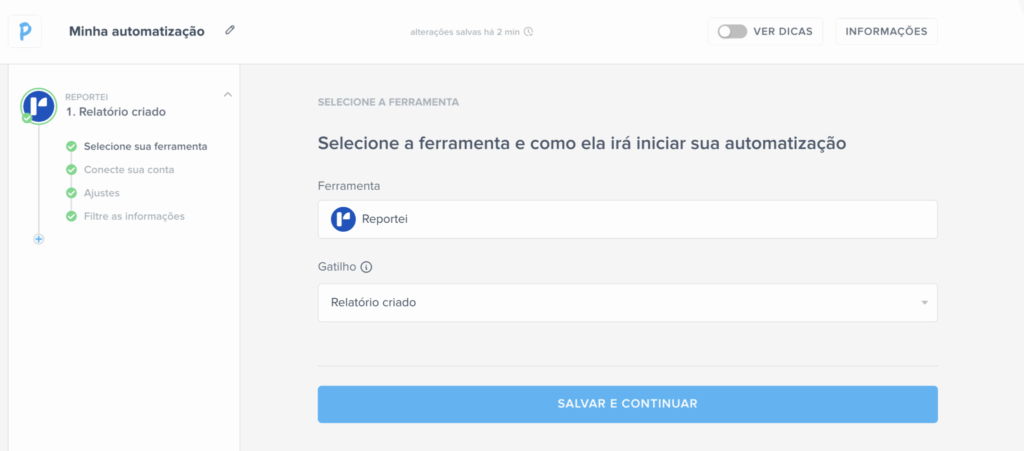
Examples of what you can automate

1. Automatic report creation
- A new form response can trigger a report.
- A new CRM sale can create a report.
- A completed Trello task can create a report.
- A new spreadsheet row can trigger a report.
Configure the data blocks and layout once. Reportei can then create new reports when the configured action occurs in a connected app.
2. Dashboards for ongoing monitoring
Reports capture a period’s results, while dashboards let you change the period and monitor metrics dynamically.
With Pluga, a new opportunity, lead, or sale can trigger a new Reportei dashboard for analysis.
3. Automatic Timeline milestones
Projects include meetings, launches, approvals, and changes of direction as well as metrics.
The Reportei Timeline records these events. Trigger milestones from tools such as Notion, Trello, or a calendar to build a visual project history without entering every update manually.
See it in practice
Watch the Reportei + Pluga launch session with Renan Caixeiro, Diego Minone, and Eduardo Campos. The video is in Portuguese.
The session demonstrates practical ways to use automations in an agency’s daily work.
For more ideas, read this article about automations using Reportei and Pluga.
Use the integration to reduce repeated tasks and connect your reporting workflow to the tools your team already uses.