
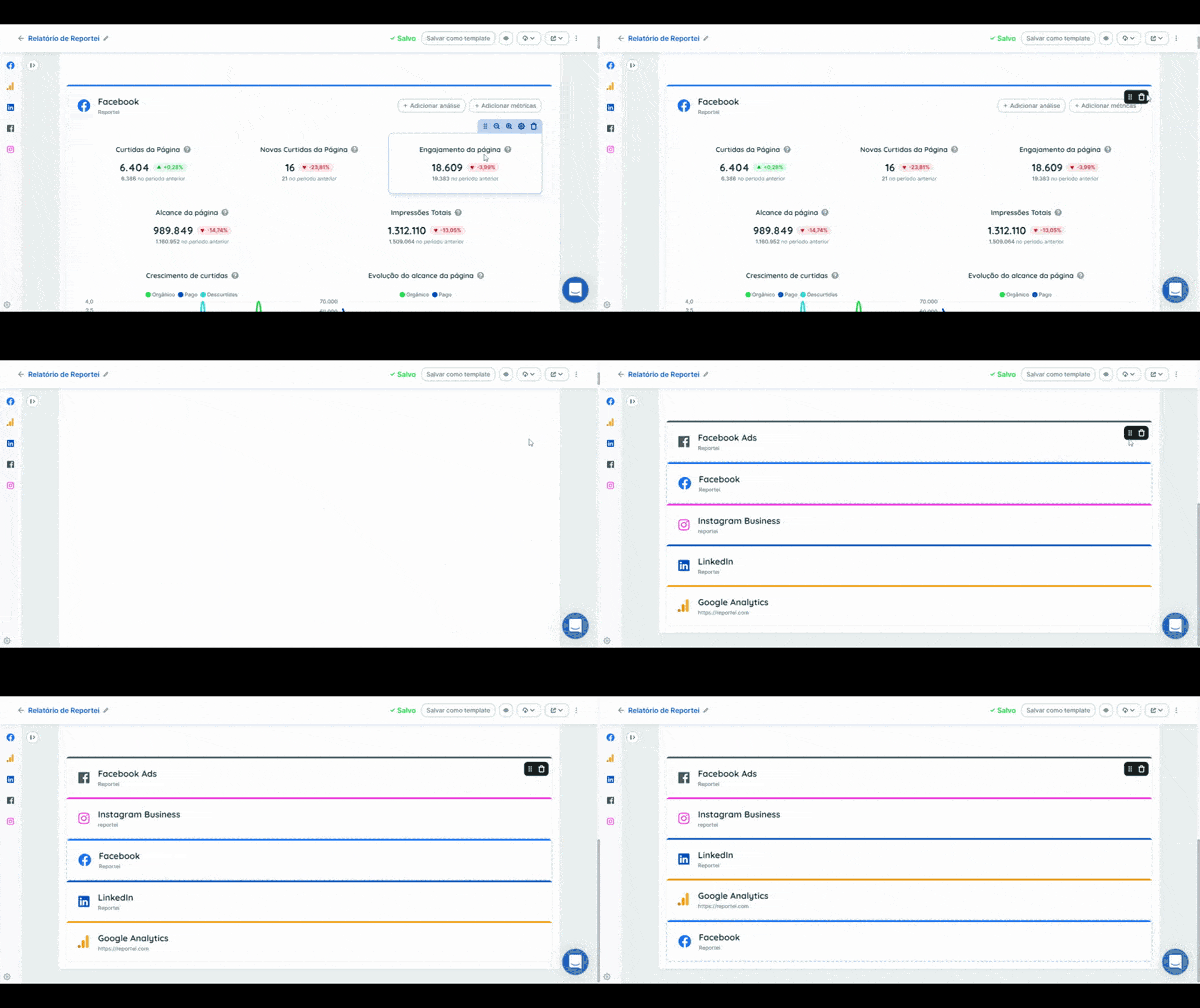
In the report or dashboard editor, hover over a network’s name and click and hold the dotted handle beside the trash icon.

Keep the mouse button pressed. When the network list appears, drag the selected network up or down to its new position.

See how it works:
If you have questions, contact our Support team.