
Reportei AI helps you analyze report metrics and develop ideas for your marketing campaigns.
Use Reportei AI within your projects to generate analyses and work with specialized assistants.
AI support for your digital marketing analysis
The features covered in this guide are:
- AI analyses in reports.
- Ads Management Assistant.
- Instagram Assistant.
- Email Marketing and Automation Assistant.
AI analyses in reports
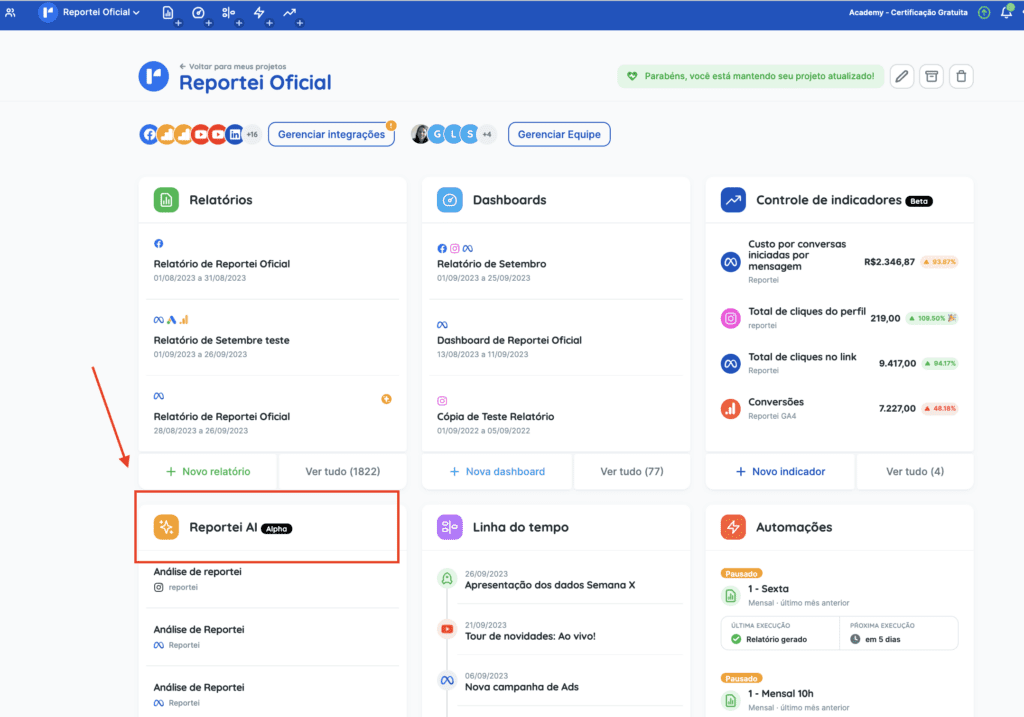
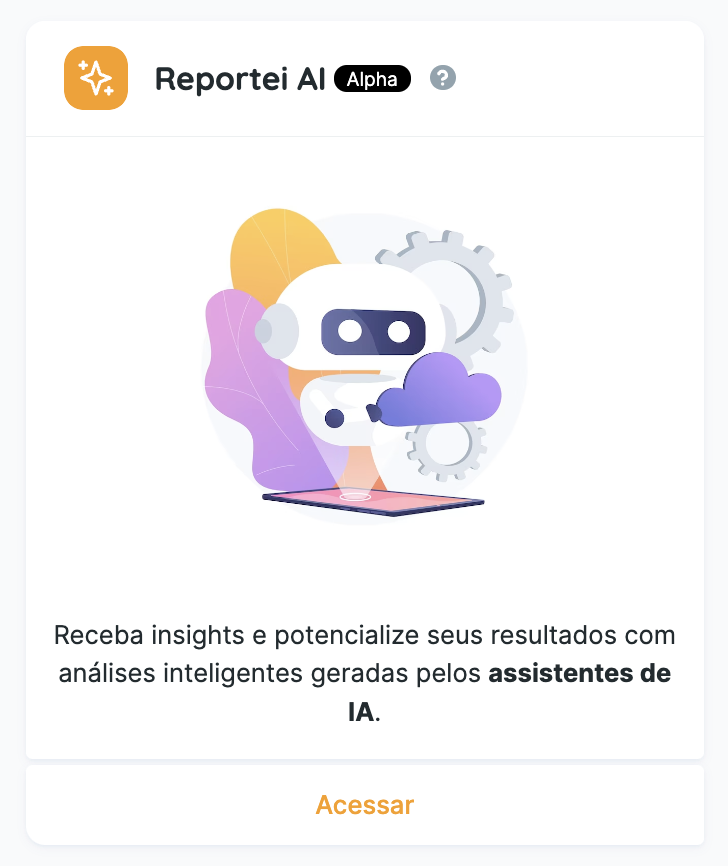
Like other Reportei features, AI analyses belong to a project. Open a project to find Reportei AI:
You can enable AI analyses when creating a report, using the option at the end of the report setup page:
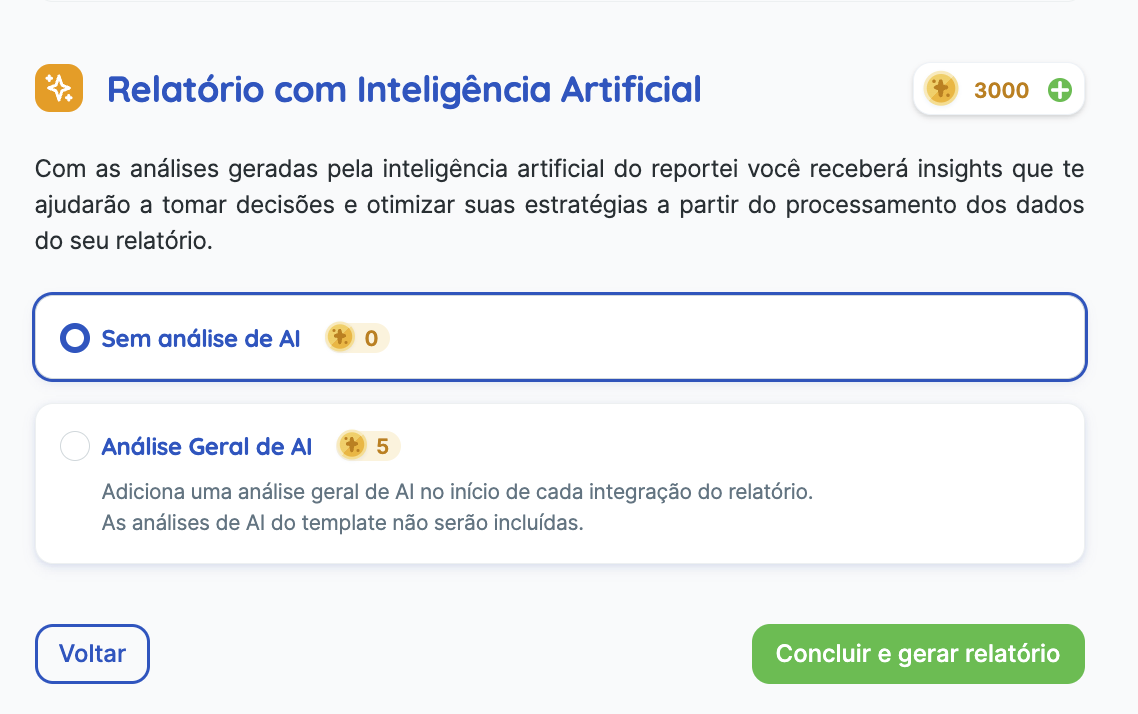
When enabled, one AI analysis is added at the beginning of each selected integration’s section. The analysis uses the metrics included in the chosen template:
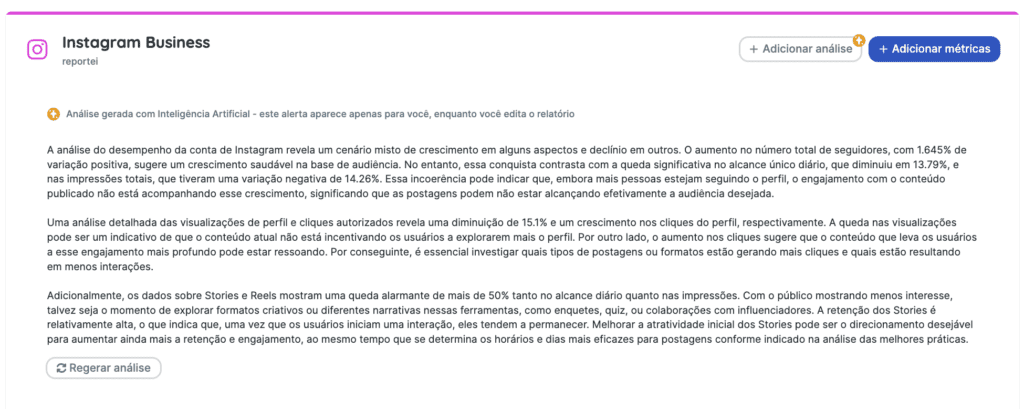
An AI label appears at the top of each generated analysis box. This label appears in editing mode, but not in the shared external view.
You can regenerate an analysis once. AI output may contain inaccuracies, so review it before sharing and use this option when needed.
You can also add an AI analysis after creating the report. Use the button at the beginning or end of the relevant platform section:
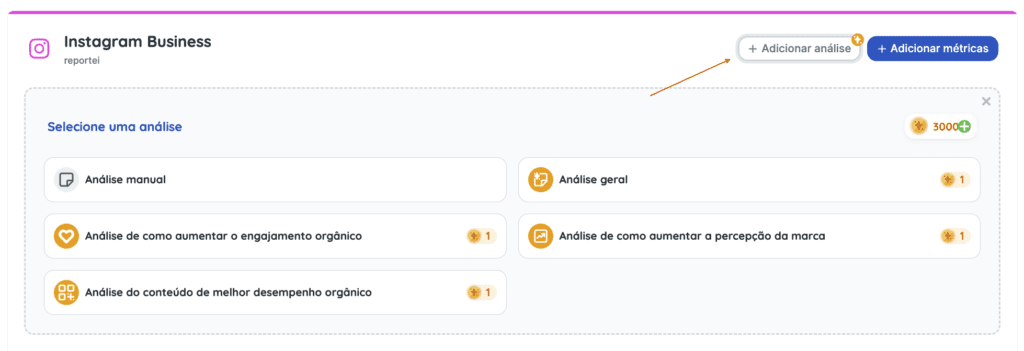
Each AI analysis for an integration uses one analysis credit. For example, generating an analysis for each of six integrations uses six credits.
What happens if I change the report’s analysis period?
Reportei displays a message with two options:
- Update the dates and regenerate the AI analyses, using additional credits equal to the number of AI analyses in the report.
- Remove the AI analyses, so the updated report does not include them.
What happens if I edit an AI-generated analysis?
Once you edit it, the text is treated as a manual analysis. It will no longer update automatically when you change the report’s analysis period.
Watch the video for a demonstration.
Full AI plans provide access to these features. You can also explore the trial options available in your account before subscribing or upgrading.
About the AI assistants
The three assistants described below work with the platforms included in your plan and connected to your project:
- Ads Management Assistant.
- Instagram Assistant.
- Email Marketing and Automation Assistant.
Each insight generated by an assistant uses one analysis credit.
Full AI plans also let you ask follow-up questions. After the initial insight, you can receive two additional answers without spending extra analysis credits.
Ads Management Assistant
This assistant generates insights about your ad campaigns or ad accounts:
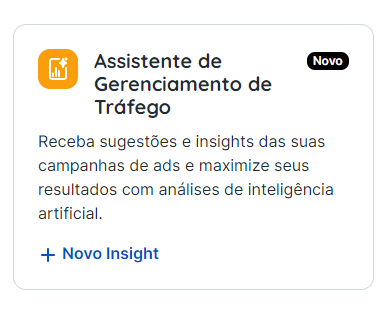
To generate an insight, choose:
- The integration: select a connected ad account in the project.
- The analysis period: select a predefined period. Full AI plans also offer a custom period.
- The data to analyze: choose the entire ad account or one campaign.
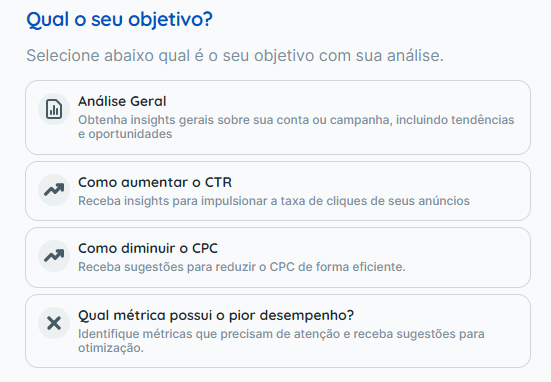
- The analysis objective: this sets the focus of the response. The four options in this workflow are shown below:
Instagram Assistant
The Instagram Assistant generates suggestions and insights focused on your Instagram account:
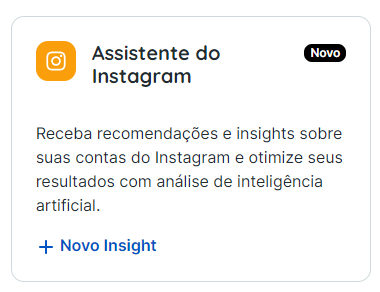
To generate an insight, choose:
- The Instagram account: select one of the accounts connected to the project.
- The analysis period: choose from the available predefined options.
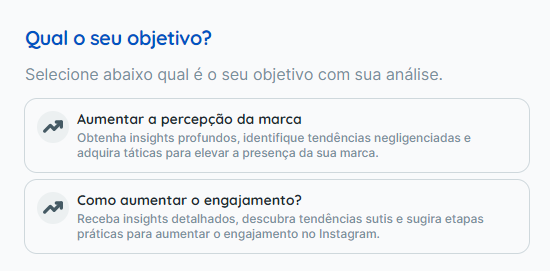
- The analysis objective: this sets the focus of the response. The two options in this workflow are shown below:
Email Marketing and Automation Assistant
This assistant analyzes email marketing and marketing automation performance.

Use its suggestions when reviewing campaigns, emails, workflows and results, or planning improvements to future campaigns.
The assistant supports these integrations:
- RD Station Marketing.
- HubSpot Marketing.
- ActiveCampaign.
- Mailchimp.
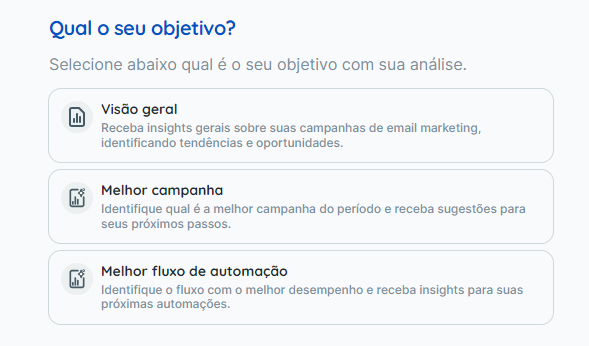
The available objectives are shown below:
The full assistant is available on AI plans that include the relevant integrations. Other eligible accounts can explore a limited trial. Starter accounts cannot use this assistant because its integrations are not included in that plan.
Watch the assistant walkthroughs.
If you have any questions, contact our support team.