
To connect your Mailchimp account to Reportei and start making reports is really easy! Here is a guide to help you through this process:
- Select the client that you wish to connect Mailchimp.
- Open “Manage integrations”. Select Mailchimp.
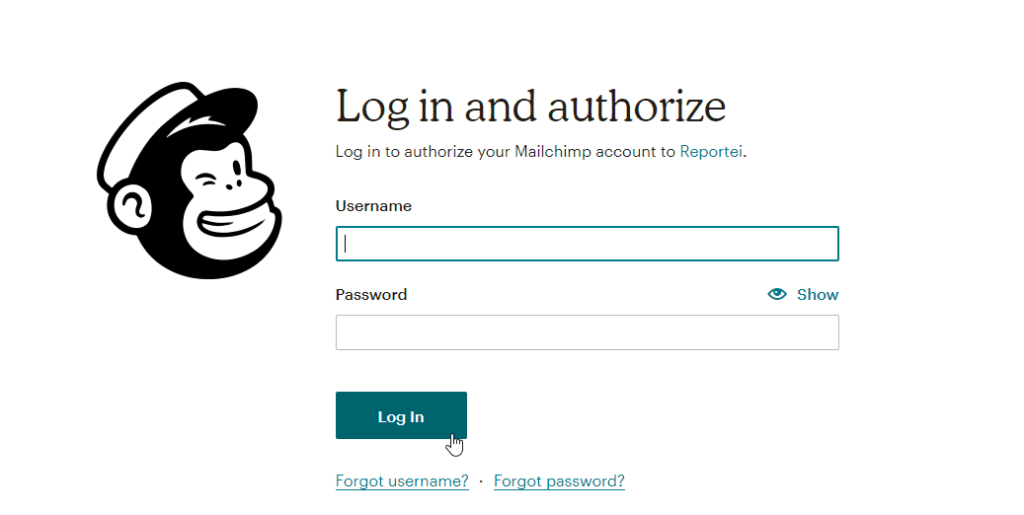
- A Mailchimp login page will appear. Connect the account you want to use;
- You will be directed to the page to allow Reportei to have access to your account data. Note: Only with this permission will it be possible to generate reports.
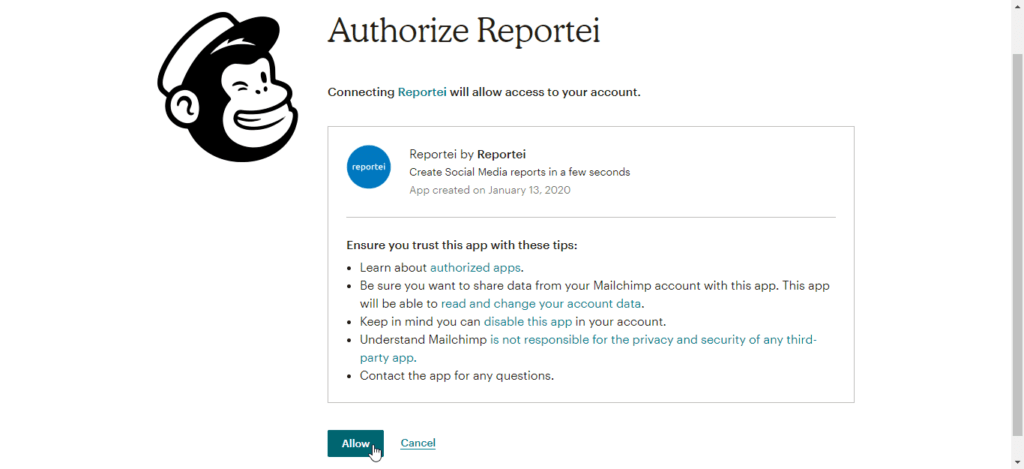
- By allowing Reportei access you will return to your client’s page with the account already connected!
You can now generate your reports! =)
Have any questions? Please contact our support team!