
If you need to connect another platform to an existing project, or remove an integration and connect the correct account, follow these steps:
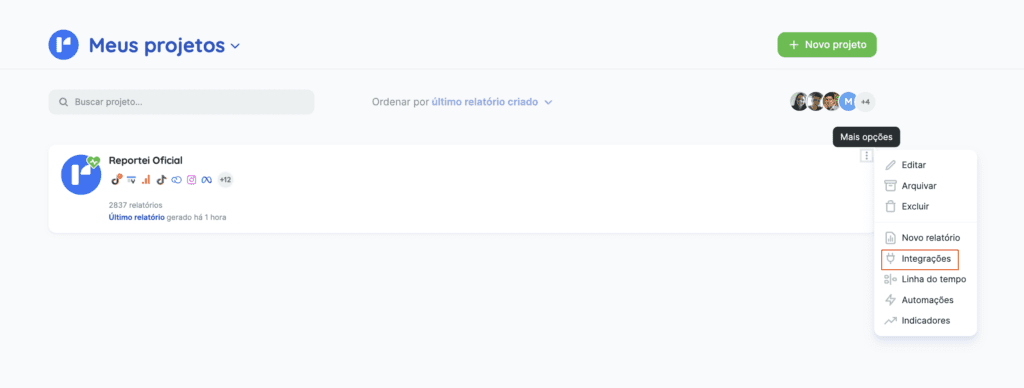
To open a project’s integrations, click “More options”, then “Integrations”:
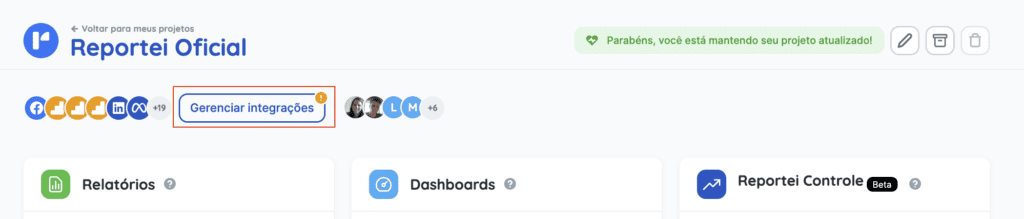
Alternatively, open the project and click “Manage integrations”:
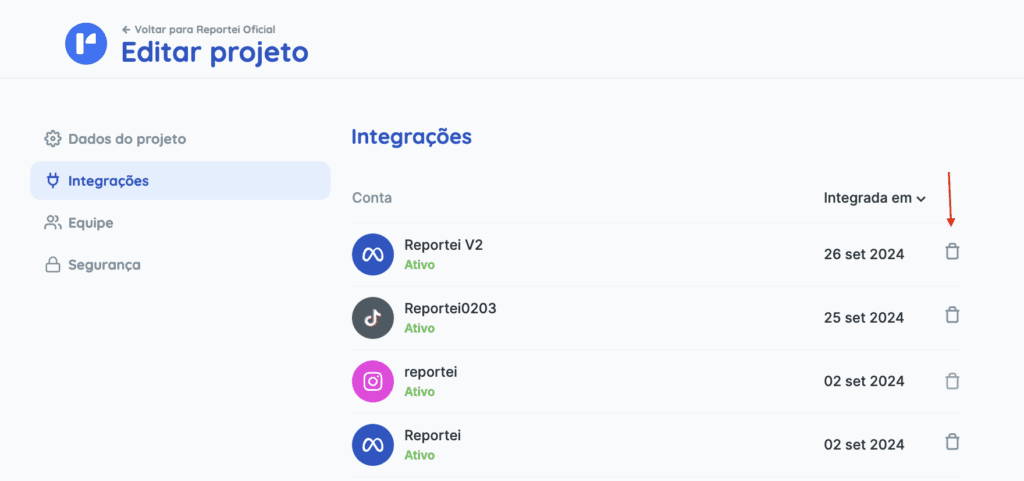
This page lets you manage the project’s integrations, including removing a connected account or adding a new one:
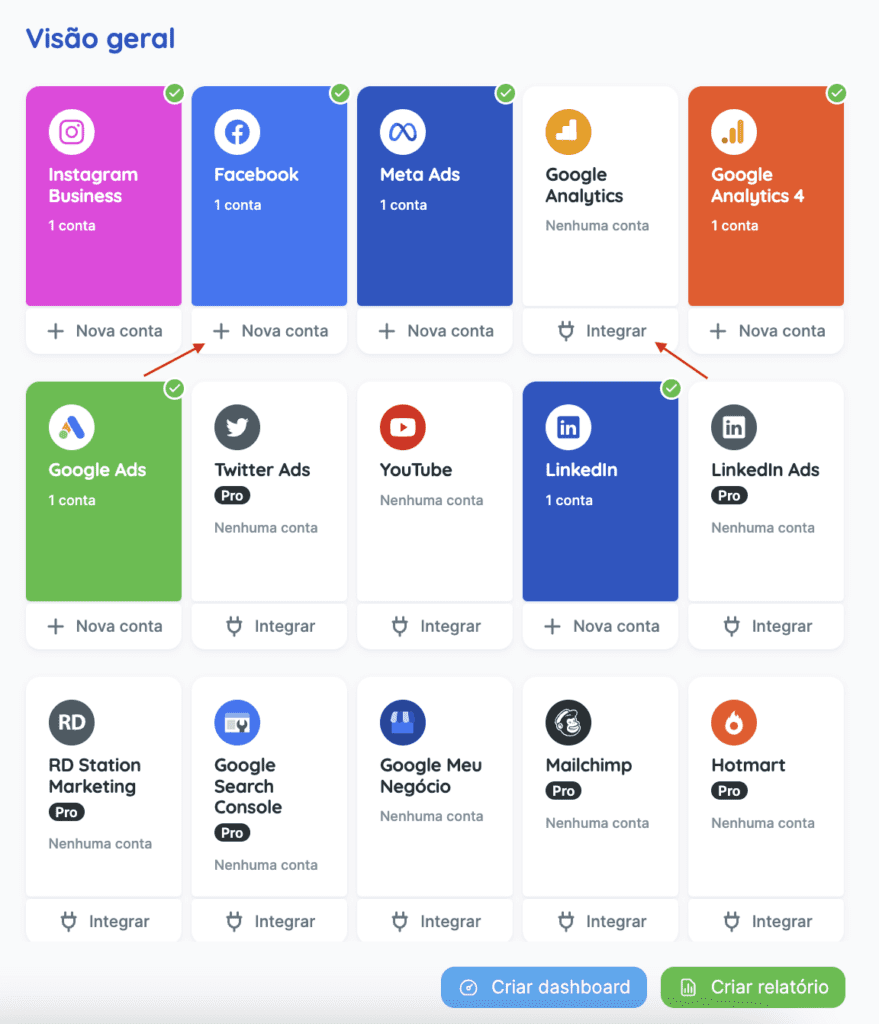
Scroll down to connect new or additional accounts:
Whenever you need to reconnect an account, return to the project’s Integrations page.
If you have questions, contact our Support team! =)