
In addition to having the main account, you as a social media agency or freelancer can add other professionals so they can collaborate on managing content for one or several clients
Each member of your Team in Flux has their own login and password which simplifies both access and the storage of information that is specifically the responsibility of the director, the analyst, or the freelancer
Each company has a main account in Flux that enables the verification of all this information, sending invitations for new people to access the platform, and removing access for those who are no longer part of the team
To invite or manage a user just go to Company Settings and click on Team or just click on Manage Team on the homepage where all clients are displayed
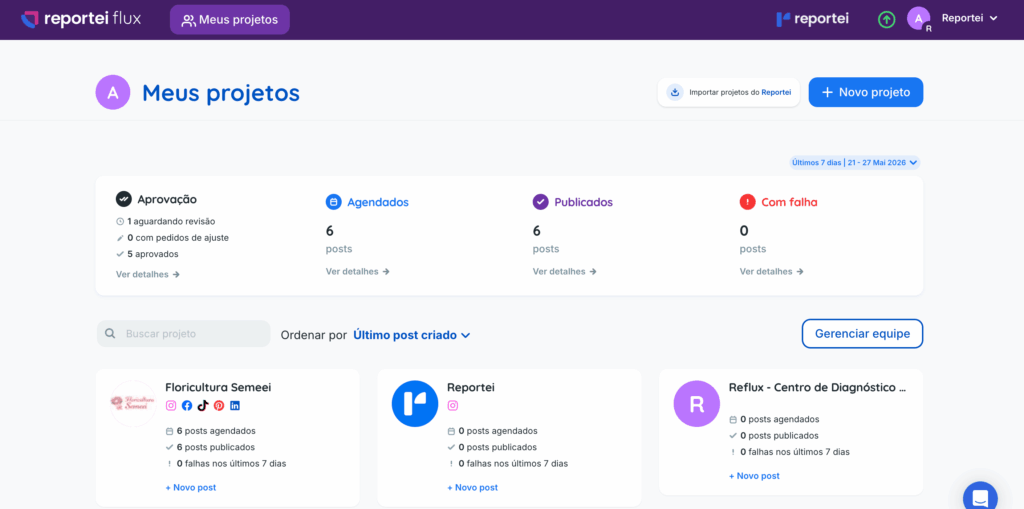
Permissions of invited users
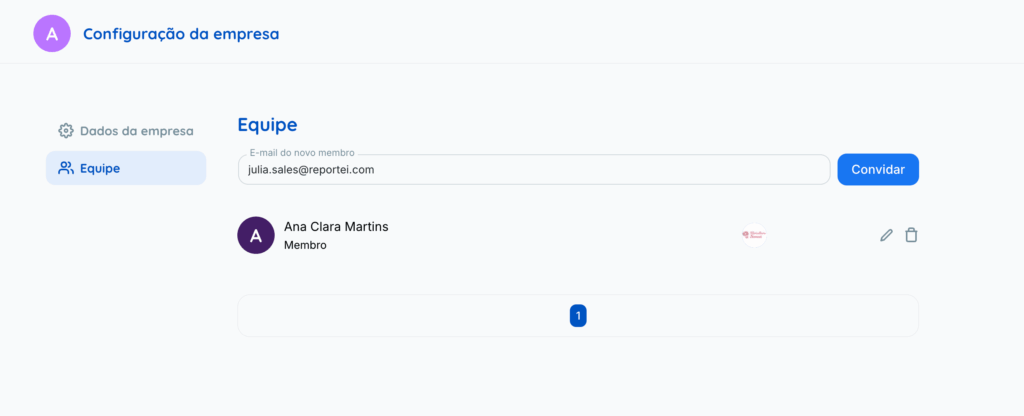
After clicking Manage Team, you will land on the page where you can invite and manage users who have access to your Reportei account. To invite someone to your team, just add their email and click on Invite
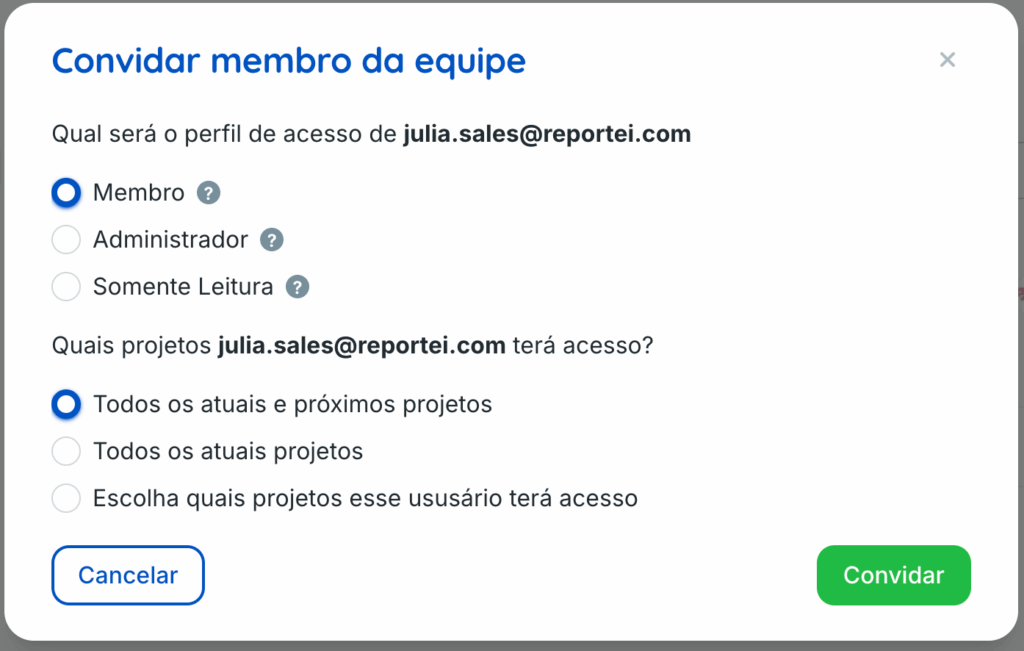
After that, a box will open for you to choose which clients this user will have access to. You have the option to provide access to all clients or select just a few.
🚨 Attention The main account is not altered when you grant administrator access to another team member
It’s worth remembering that administrators can perform almost all tasks except
- Subscribing to a plan
- Upgrading/downgrading the plan
Click the question-mark icon (?) to see what each permission allows
If you have any questions, contact our team at Support =)