Advanced planning
Organize content before publication dates
 Schedule Facebook
Schedule Feed posts, Stories and Reels for your Page. Centralize your team's schedule and approvals.







 Rastro















Organize Facebook content alongside your other networks. Your team can prepare posts, review messaging and keep the Page's schedule visible.

Connect your Facebook Page within the project and check the requested permissions.
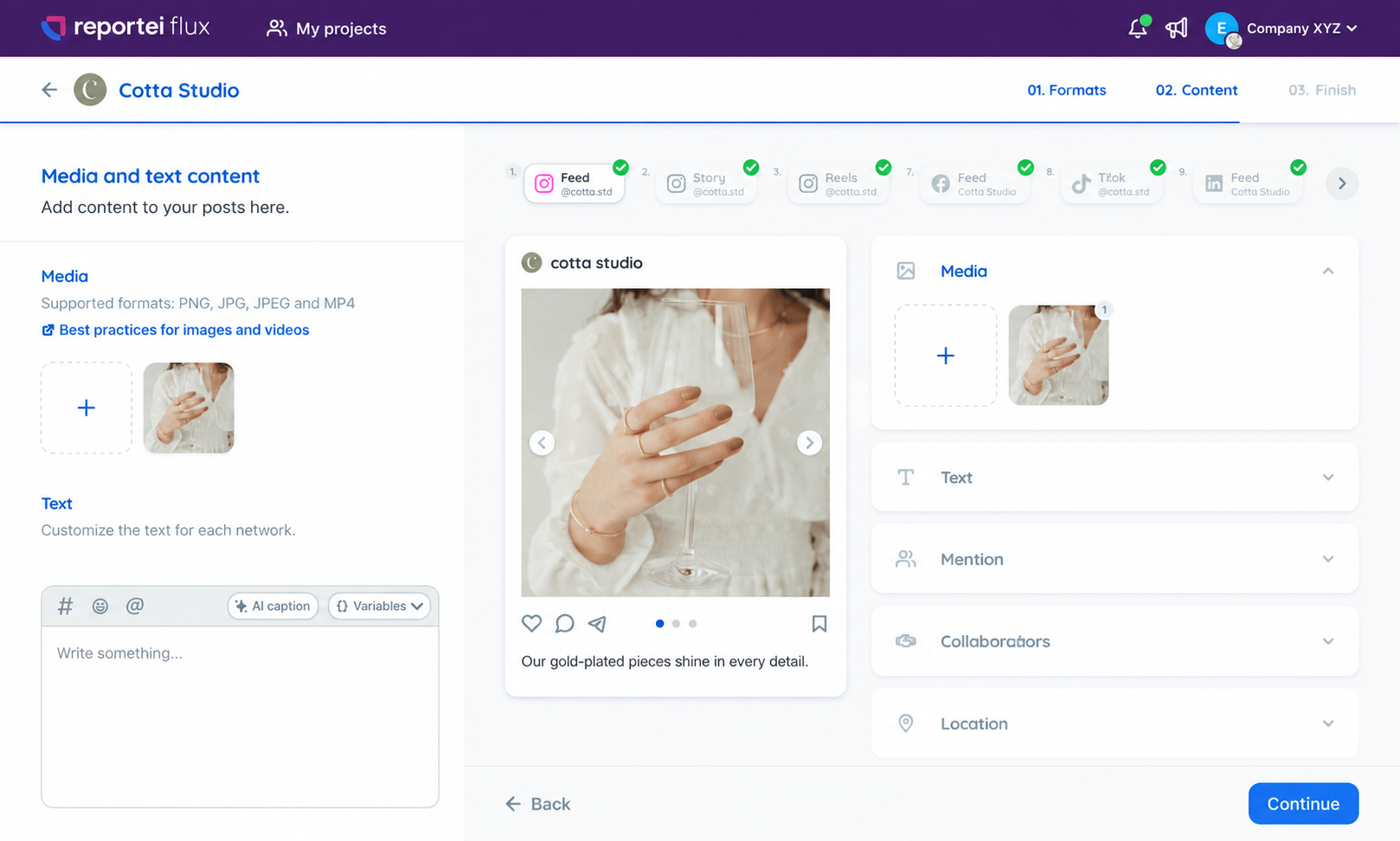
Add your content and check the formats available for Facebook.
Choose when to publish and send for approval if necessary
After approval, monitor the scheduling and status in Flux
Organize content before publication dates
Include Facebook alongside the project's other networks.
IntegrationsReceive feedback and organize revisions before publishing
Content approvalSee posts by date and find gaps in the schedule
Publication calendarPrepare multiple posts in the same plan
Post schedulingKeep each brand with its channels and publications
Prepare the content that will appear on the Page.
Schedule these formats using the integration's available options.
Add descriptions to images in the Facebook Feed.
Include Facebook in the project's multichannel publishing.
Organize deliveries and approvals for each client
Keep projects separate and monitor team production
Share the plan and give visibility to upcoming publications
Send the posts to the client and centralize adjustment requests
Content approvalSee publications by date and share the plan
Publication calendarMonitor metrics of connected networks
DashboardConnect your Facebook Page to the project, prepare the post, choose a date and time, and complete the approval and scheduling workflow.
Yes, Flux allows batch scheduling, project-based organization, and multichannel publishing
Yes, send the approval link to the client to view content and approve or request adjustments without logging in
For Facebook, Flux supports Feed posts, Stories and Reels.
Yes, the calendar gathers the publications of the networks connected to the project