Overview
Check grouped metrics from the project's networks.
Dashboard
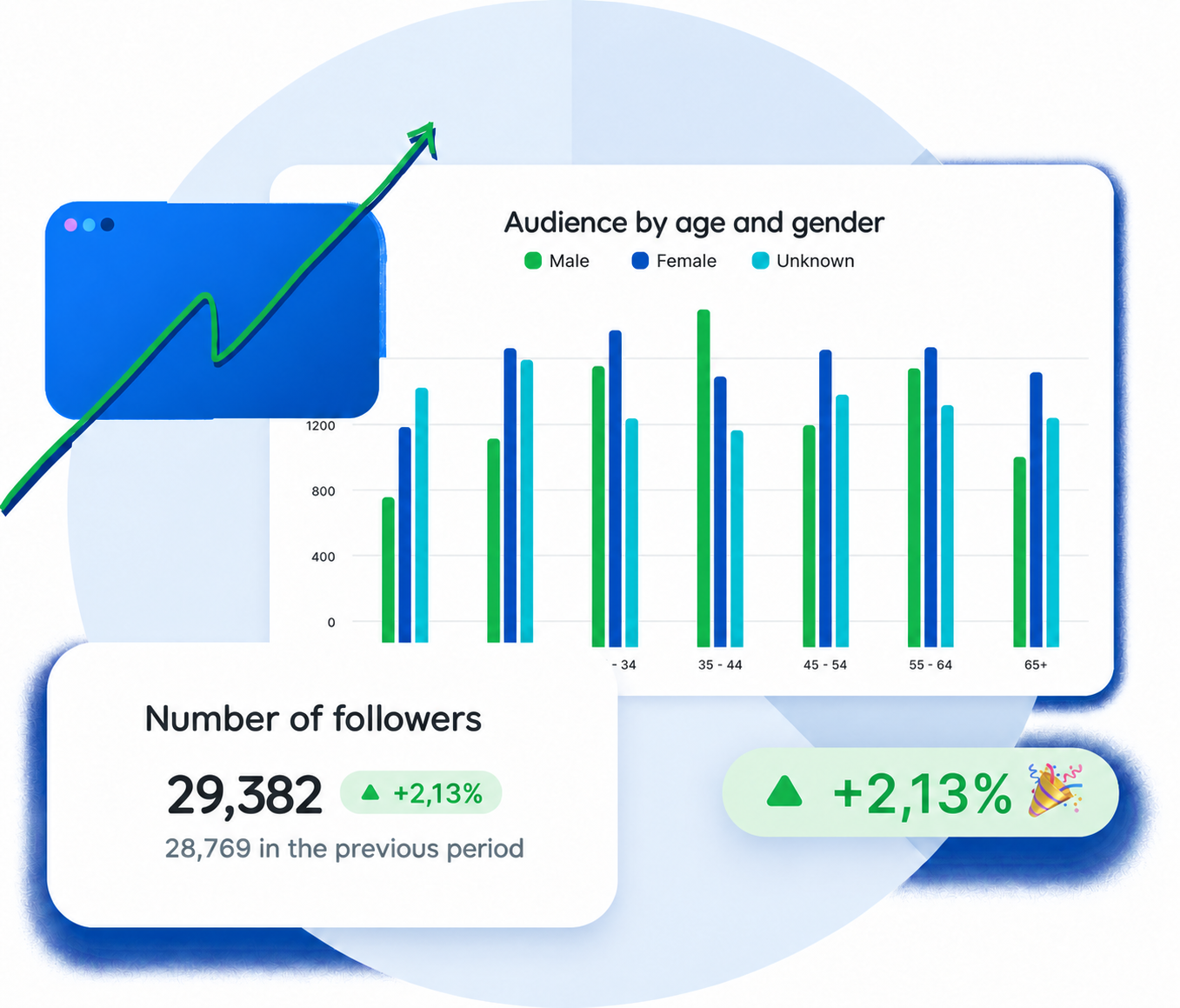
Check the Overview and metrics for each connected network. The Dashboard brings results together within your project.







 Rastro















Track results in the context of each client or brand. The Dashboard tab organizes metrics from connected networks for your team to review.
Select the client, brand or business you want to track.
See grouped metrics in the Overview.
Open the integration tab to check its metrics.
Switch between the last 7, 15 or 30 days, always ending yesterday.
Data updates automatically every day. Check the available 7-, 15- or 30-day periods within the project.
Check grouped metrics from the project's networks.
Find the metrics for each integration.
The periods are recalculated automatically.
Reportei and Flux are separate products designed for different parts of your marketing routine. Reportei focuses on reports and dashboards to help you analyze marketing and sales results. Flux focuses on creating, approving and scheduling social media posts. Each product requires a separate subscription.
The Flux Dashboard is view-only: metrics cannot be edited or customized.
Explore Reportei reports ↗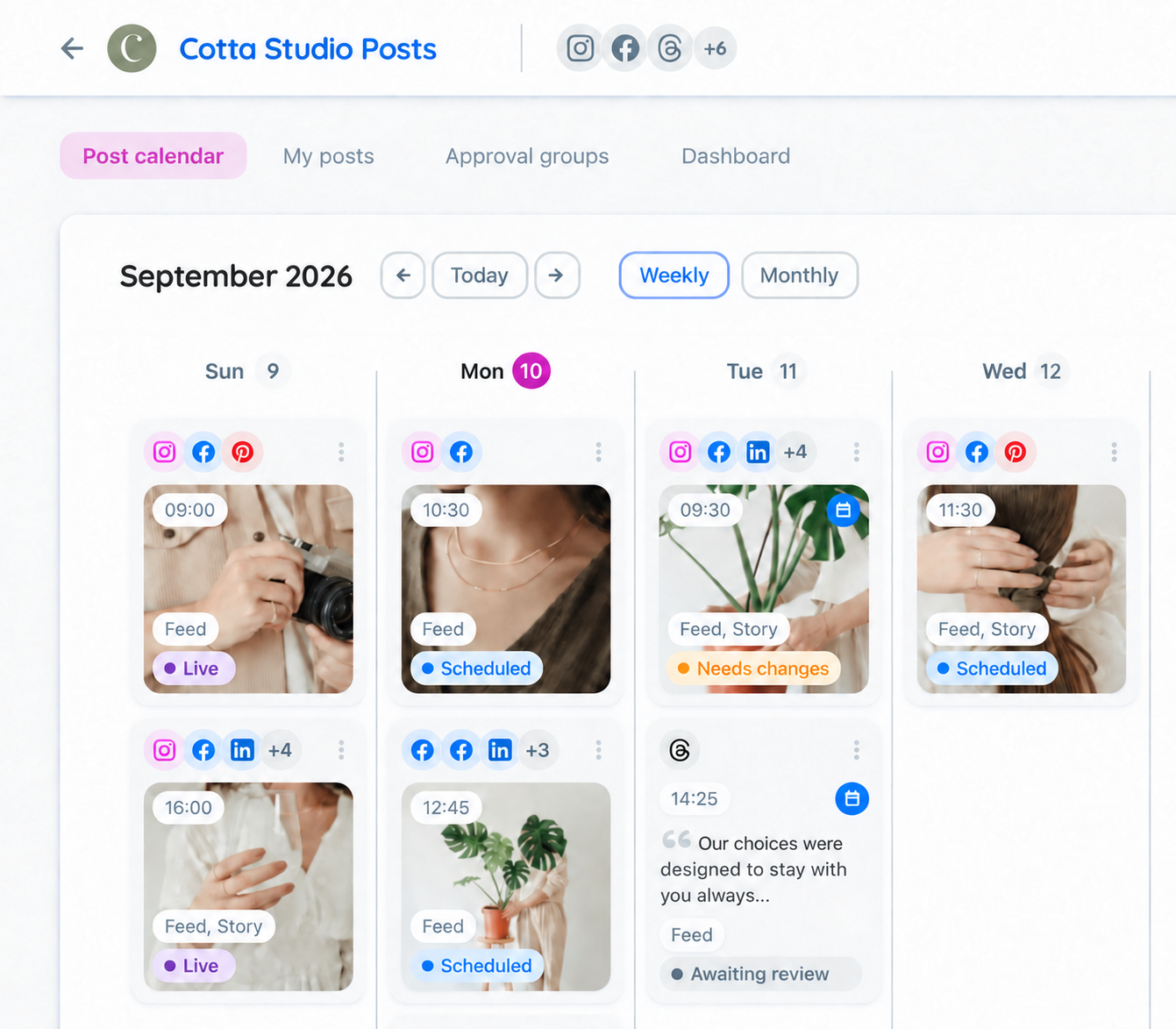
Organize deliveries and approvals for each client
Keep projects separate and monitor team production
Share the plan and give visibility to upcoming publications
Send the posts to the client and centralize adjustment requests
Content approvalSee publications by date and share the plan
Publication calendarOrganize various networks and projects in the same flow
Post schedulingYes. It is available in all Flux plans and during the free trial.
No. The Flux Dashboard is view-only and does not allow you to edit or customize metrics.
The last 7, 15 or 30 days, with data through yesterday and automatically recalculated periods.
Reportei and Flux are separate products designed for different parts of your marketing routine. Reportei focuses on reports and dashboards to help you analyze marketing and sales results. Flux focuses on creating, approving and scheduling social media posts. Each product requires a separate subscription.