Franchises
Adapt campaigns to each unit's information
Dynamic variables
Use dynamic variables to adapt city, phone, and other caption data by project without rewriting the content for each unit
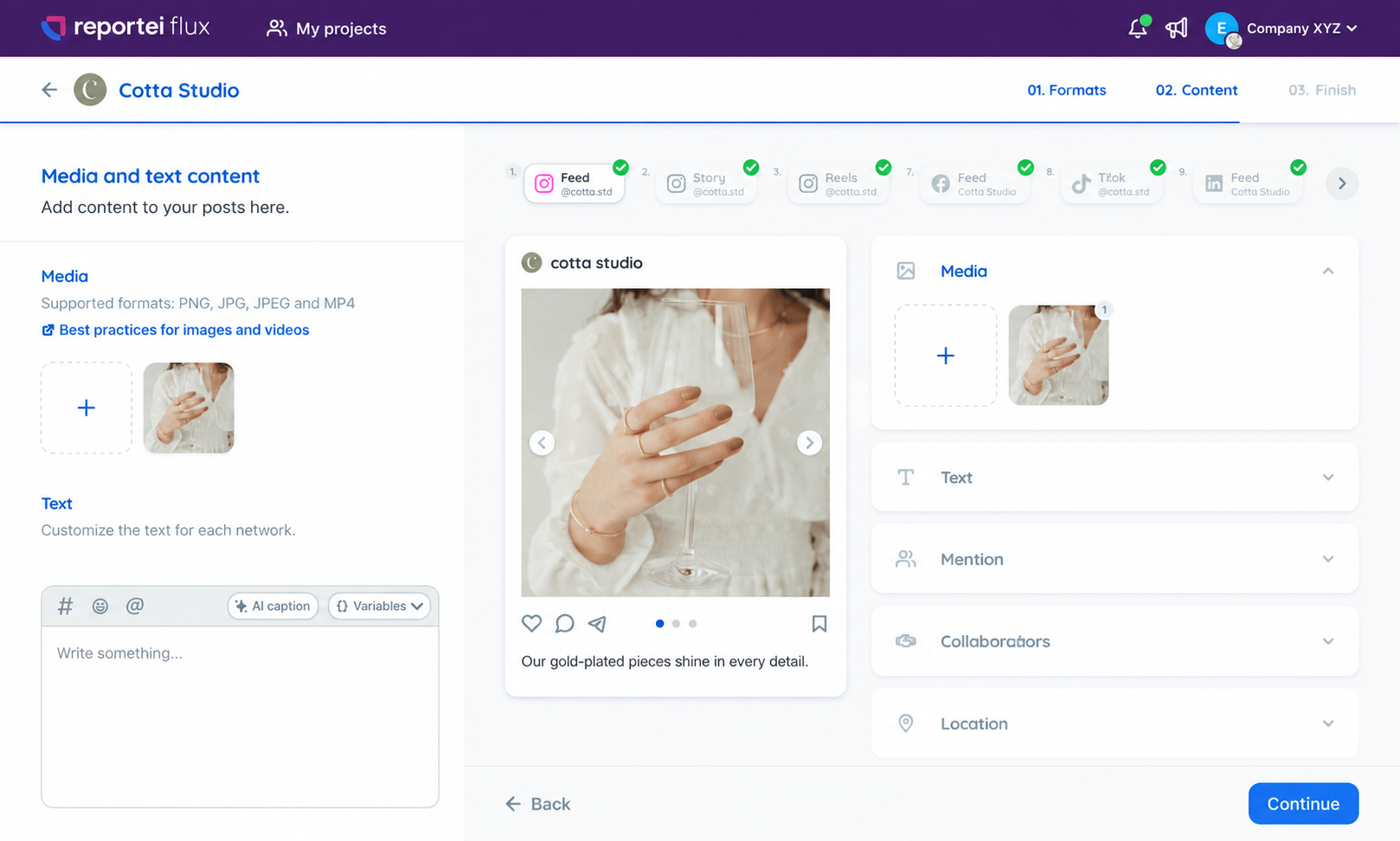
Franchises and brands with multiple units repeat campaigns with local information. Variables connect the caption to the values of each project to help maintain consistent text
Set up the variables in the account, project, or selector
Insert the fields using the Variables button in the editor
Use scheduling in multiple projects
Review the replacements and warnings for missing values
When cloning for multiple projects, Flux replaces the values and alerts when any variable is missing
Adapt campaigns to each unit's information
Manage the data in the right project and avoid repeatedly copying texts
Keep the fields organized for those who prepare the publications
Organize various networks and projects in the same flow
Post schedulingSend the posts to the client and centralize adjustment requests
Content approvalSee the publications by date and share the planning
Publication calendarYes, captions with dynamic variables are available for all
In the account settings, in bulk, in the project settings, or in the variable selector
The Variables button is available in the global and network-specific caption editor
When cloning for multiple projects, Flux alerts about missing variables. Check the values before completing the scheduling