Schedule
Schedule posts for multiple networks in batch and in multiple projects
Post schedulingYOUR NETWORKS, ONE WORKFLOW
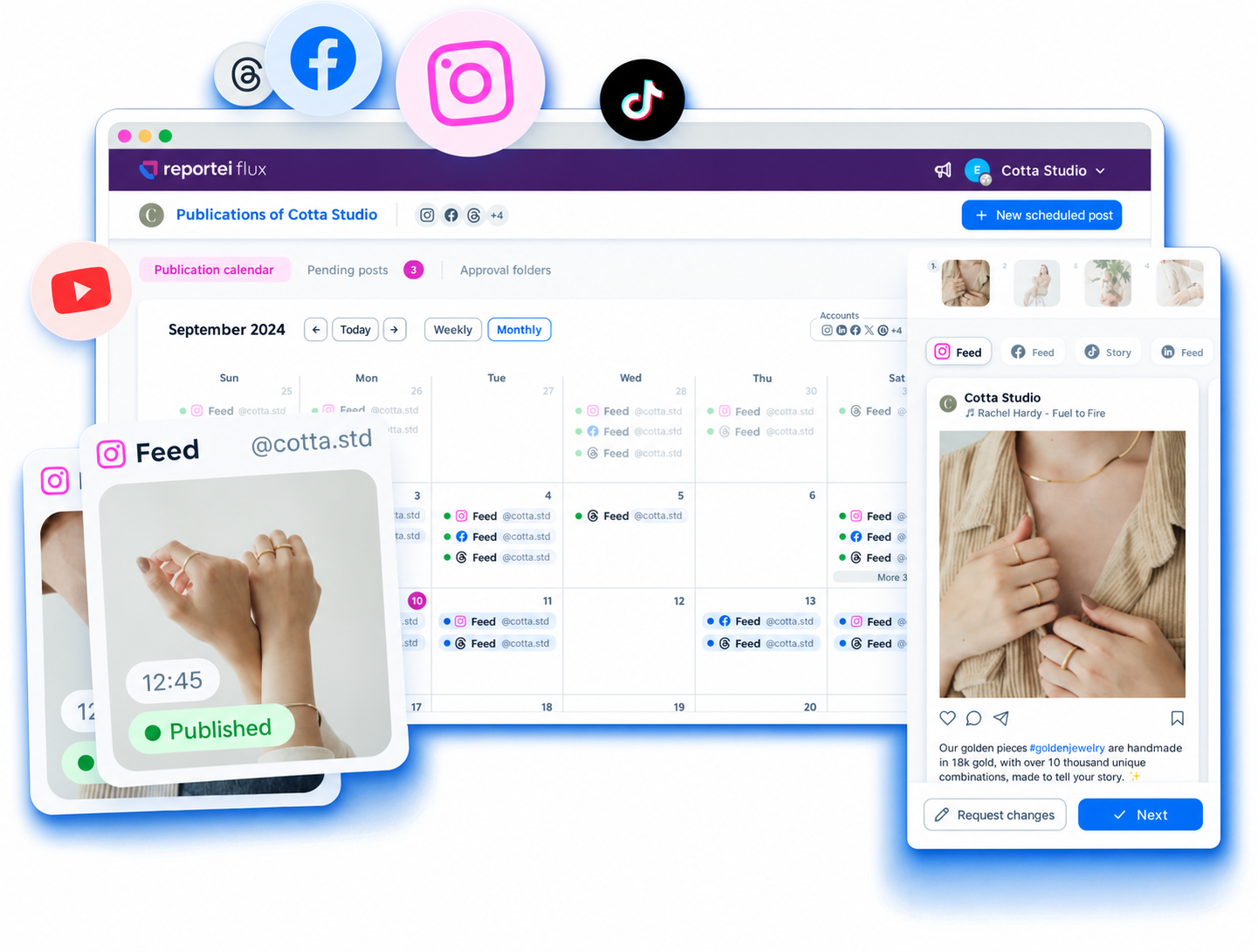
Schedule and approve posts on 8 social networks
Connect Instagram, Facebook, TikTok, YouTube, LinkedIn, Google Business Profile, Pinterest, and Threads to your planning






 Rastro















Schedule Feed Stories and Reels. Prepare the Reel music before scheduling
Schedule Instagram
Feed Stories and Reels. Keep the page on the brand's calendar
Schedule Facebook
Schedule posts with music and keep TikTok in your brand's planning
Schedule TikTok
Post scheduling. Organize the brand's professional communication
Schedule LinkedIn
Post scheduling. Plan profile publications alongside other networks
Schedule Threads
Post scheduling. Include the channel in content planning
Schedule YouTube
Post scheduling. Organize the brand's publications on Pinterest
Schedule Pinterest
Post scheduling. Maintain local presence in the business calendar
Schedule Google Business ProfileSchedule posts for multiple networks in batch and in multiple projects
Post schedulingSend a link without login and receive feedback per post
Content approvalSee metrics by network on the Dashboard and track statuses in the Control Center
DashboardDefine formats, objectives, and budget. Flux creates ads for eligible publications following your automation rules
Boosting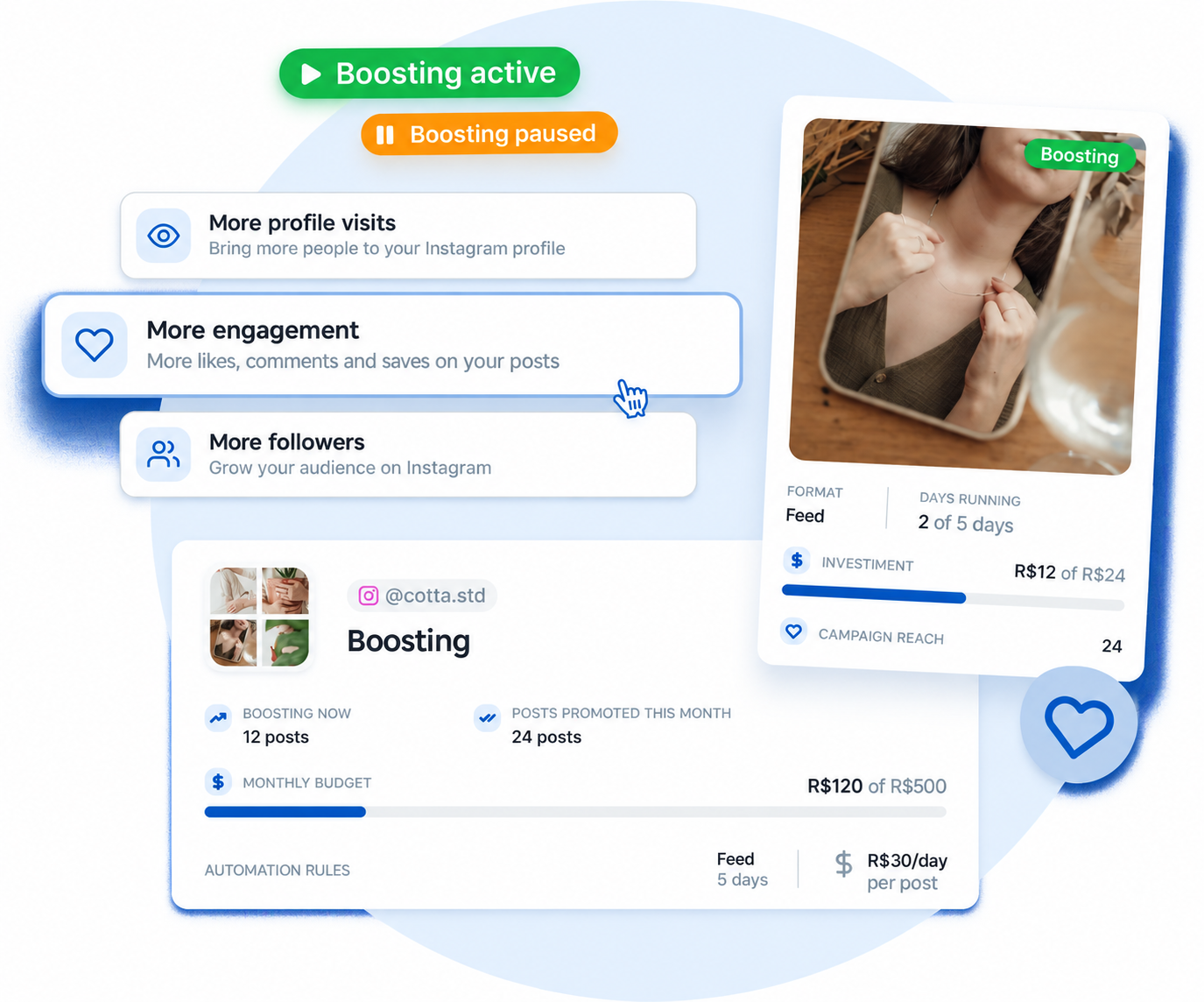
Create images and captions within Flux
Flux AISee publications by date and share the planning
Publication calendarDiscover more resources to organize your routine
Dynamic variablesInstagram, Facebook, TikTok, YouTube, LinkedIn, Google Business Profile, Pinterest, and Threads. Instagram and Facebook offer Feed Stories and Reels
On Instagram, scheduled posts are published automatically without needing to keep your phone on. Check the connection requirements for other networks in your project
In Flux, a project represents a client, brand, or company. It's within each project that you connect social networks and manage posts. Consult support for account limits for each network
The integration of Flux with Instagram is official. The necessary permissions appear during the connection of networks to the project
Yes. Select the project networks and adjust the content to the available formats in each one