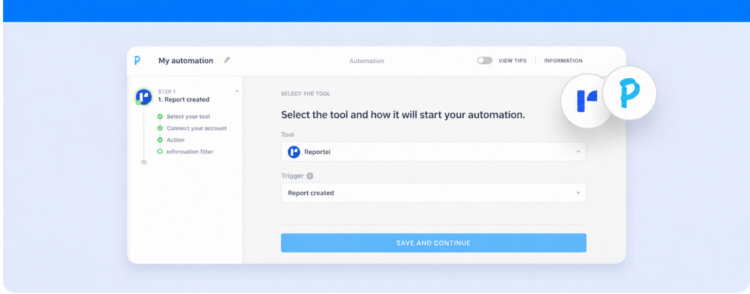
Learn about the Reportei and Pluga integration and how it can improve marketing automation for your projects
If you need marketing automation solutions to save time, reduce manual tasks, and make your operations more predictable, the Reportei and Pluga integration can simplify your daily work.
The integration was introduced during a launch livestream, which demonstrated how to build efficient automated workflows, from requesting reports to recording milestones in the Timeline.
This article covers what Pluga is, how it connects to Reportei, and practical examples you can adapt for your business.
What is Pluga?
Pluga is a task automation tool that lets you connect the web tools you use most in a few clicks, without writing code. These include CRMs, payment gateways, marketing platforms, ERPs, financial tools, and more.
It connects your tools by letting you choose a trigger (the event that starts the automation) in a source tool and define an action in a destination tool.
The workflow then runs automatically, so you no longer need to perform repetitive project tasks manually.
In addition to letting you build marketing and sales automations without code, Pluga offers other benefits:
- Extensive catalog: more than 100 tools are available, with preconfigured integrations and suggested use cases;
- Guided setup: authorize your accounts (or enter access keys), select fields, map data, and monitor everything in real time;
- Scalability: start with a simple setup and build more advanced workflows that combine several tools.
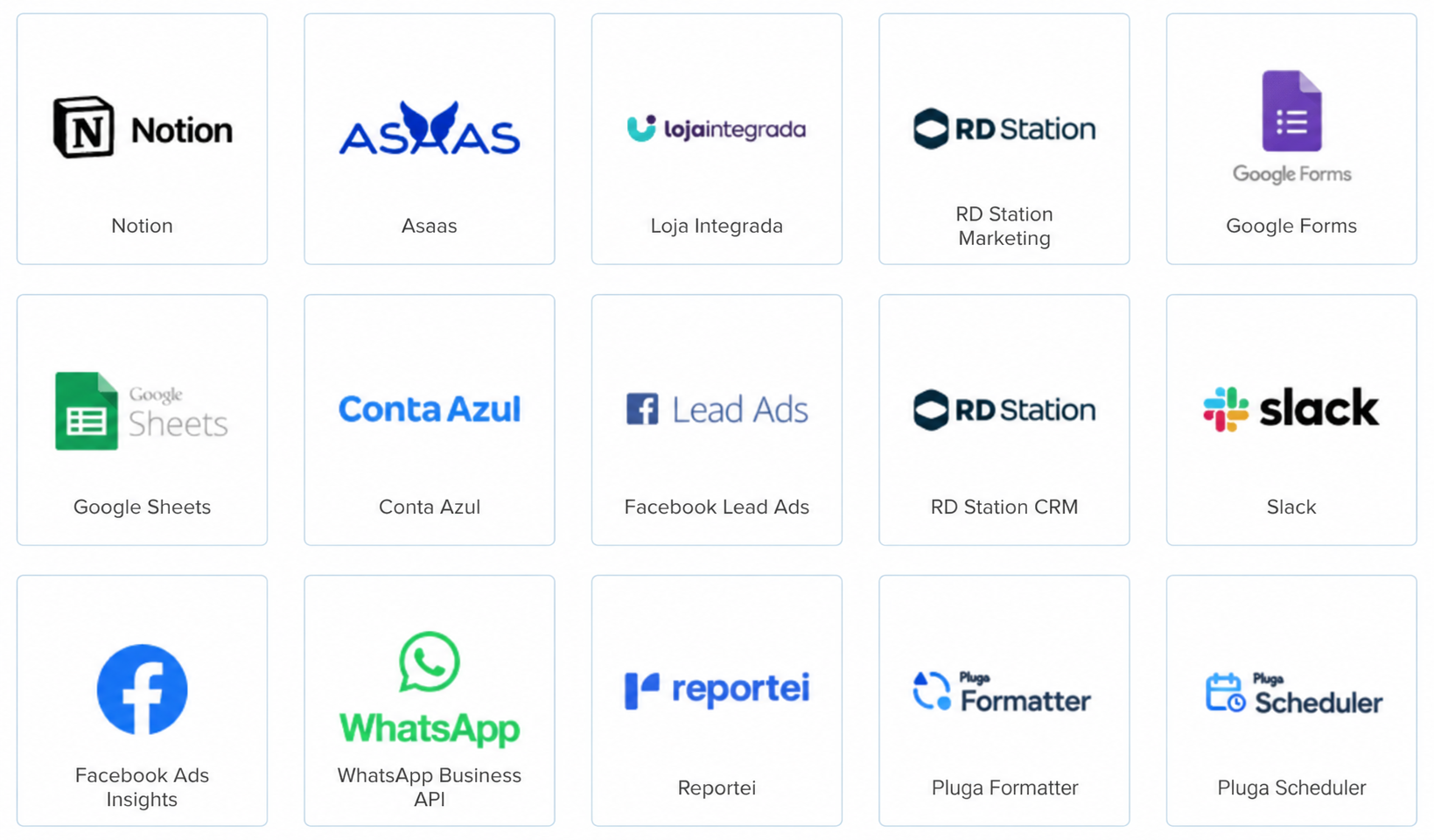
How does the Reportei integration work?
Pluga connects to Reportei through an API, giving you more flexibility to create workflows that fit your operations.
You can connect hundreds of tools to Reportei to:
1. Trigger actions in Reportei: for example, generate a report or add a milestone to the Timeline based on a request submitted through a form.
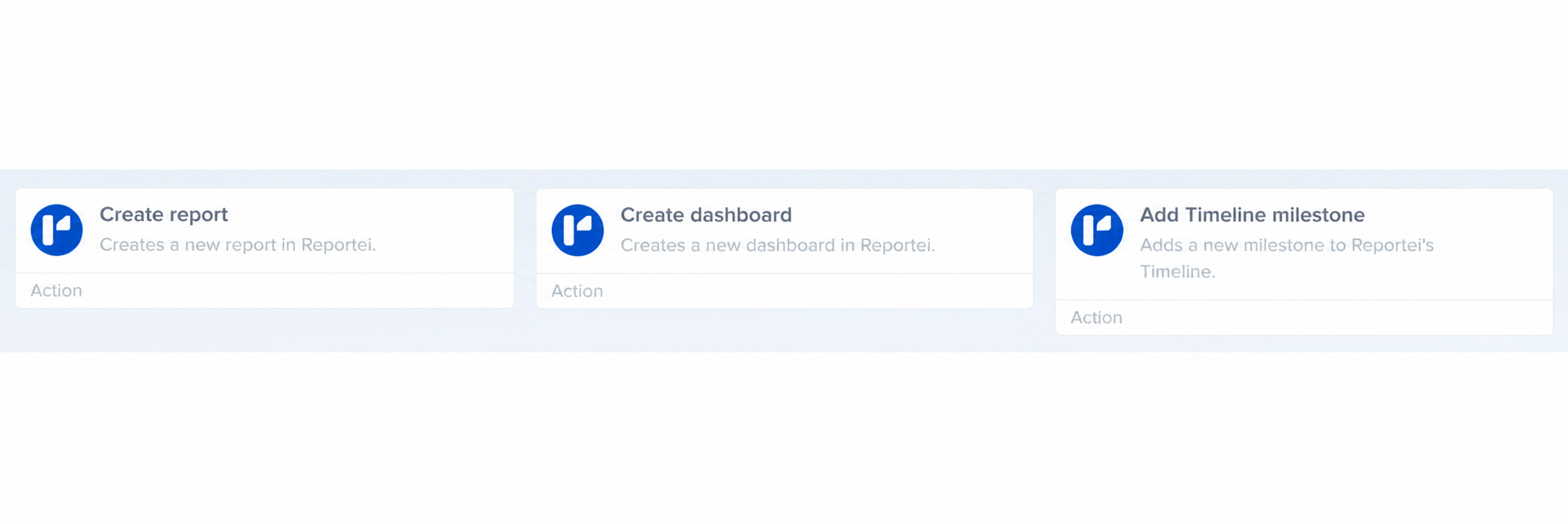
2. Use Reportei triggers: an event such as creating a dashboard can start an activity in another tool, such as sending a Slack notification or recording an event in your CRM.
The integration helps standardize internal processes, save time on repetitive tasks, and improve client relationships.
Marketing automation with Reportei and Pluga: step by step
Another benefit of connecting Reportei to Pluga is the straightforward workflow setup. There are four steps:
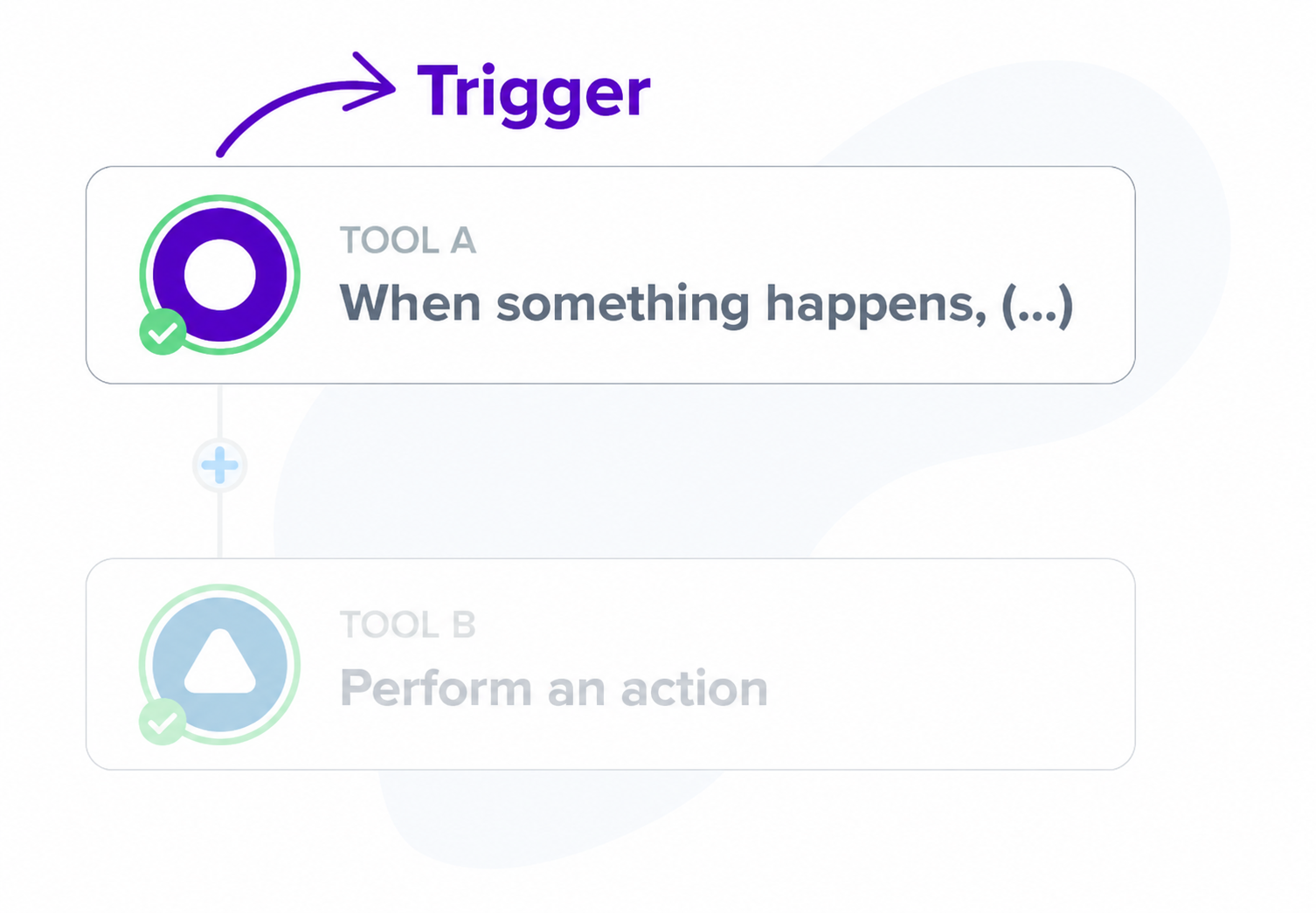
1. Choose the source and trigger:
A trigger is the event that starts your marketing automation. After choosing the source tool (such as Google Forms or RD Station), select the trigger that fits your operations, such as “new form response” or “new qualified lead.”
This first step sets the workflow in motion.
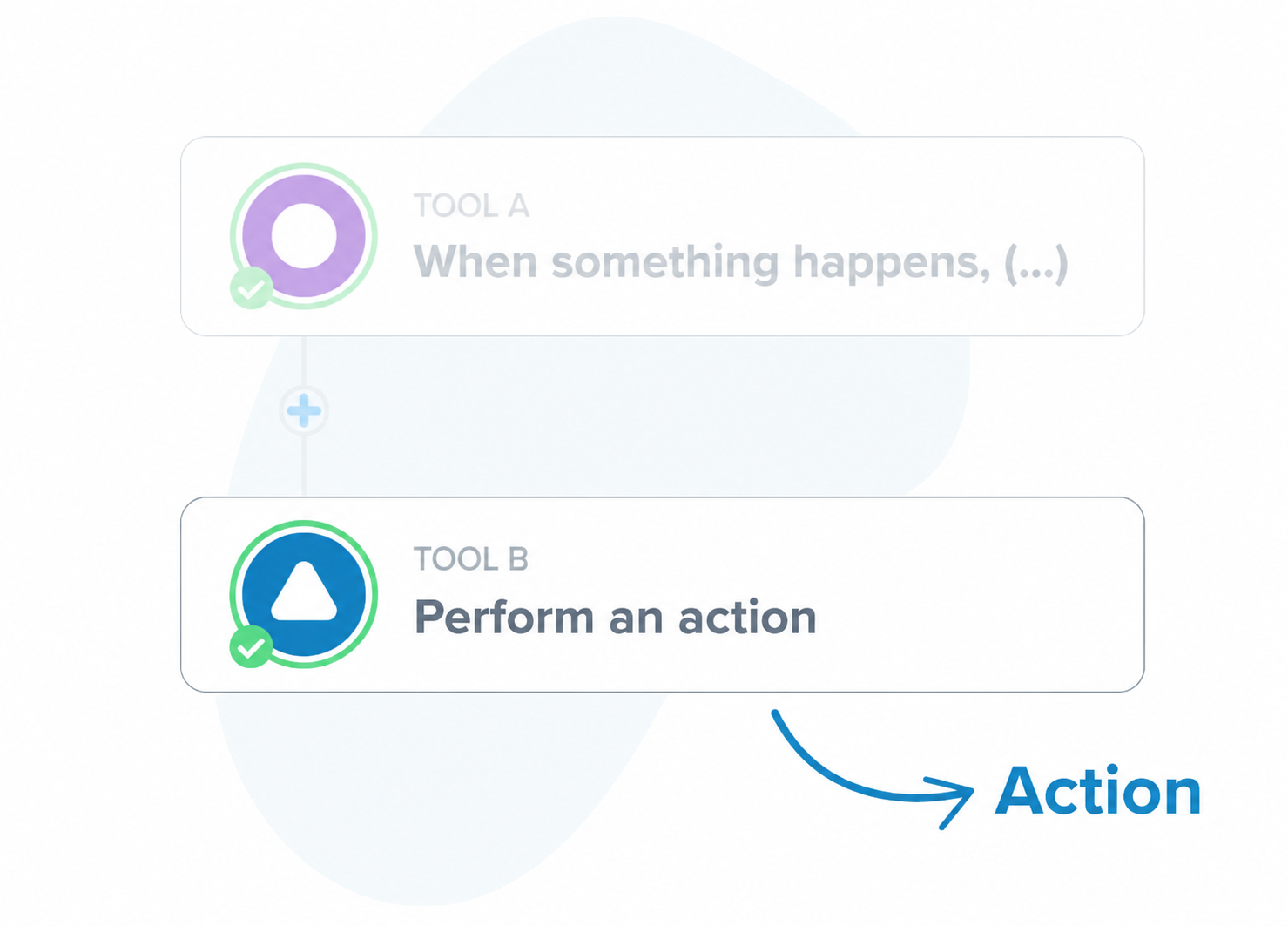
2. Define the destination and action
Next, an action is the response to the trigger. For example, when a new response arrives in Forms (the source), Pluga should create a report in Reportei (the destination).
Or, when a dashboard is created in Reportei (the trigger), a notification should be sent in Slack (the action).
3. Map the information
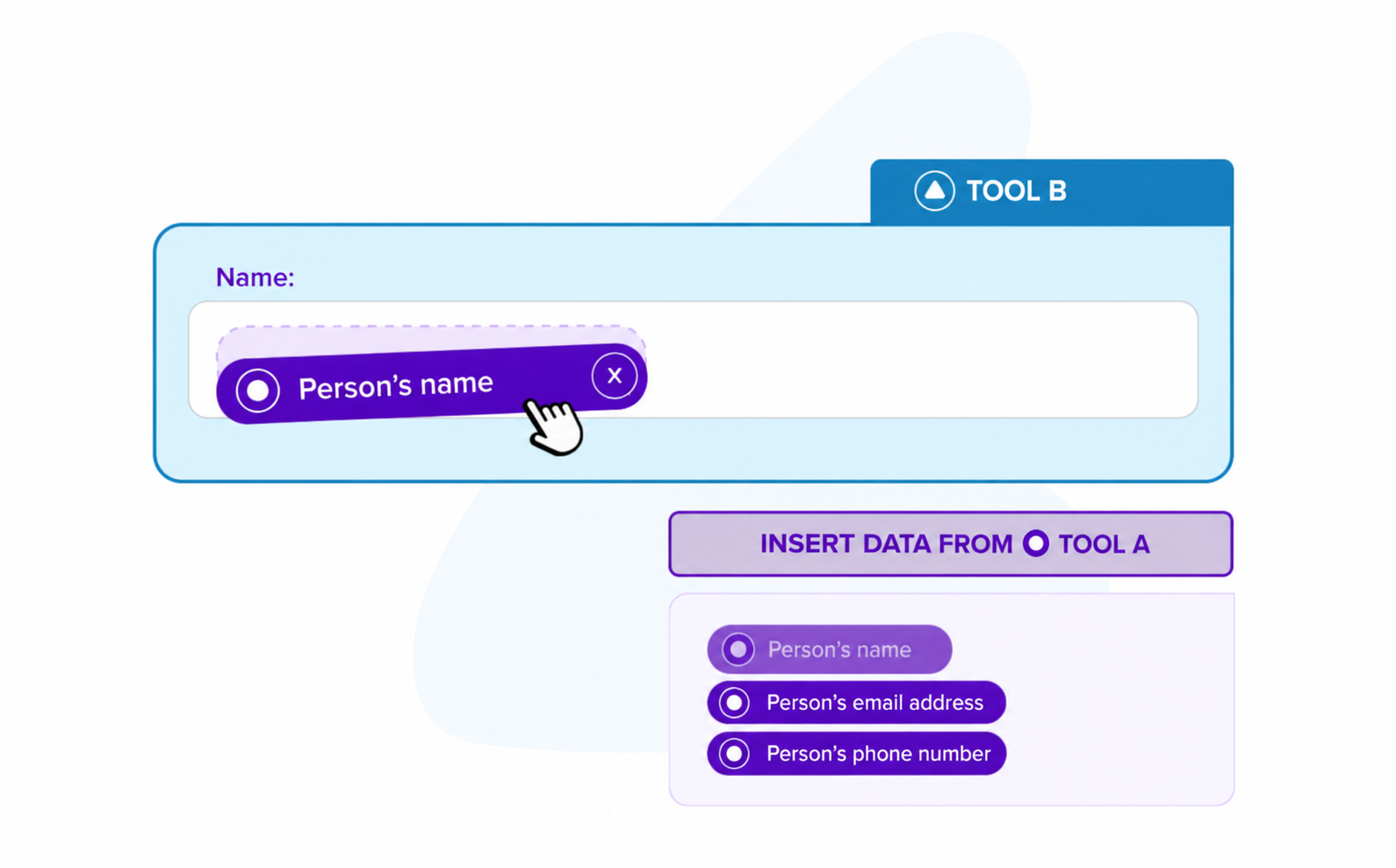
Decide which source fields will populate the destination fields.
In this example, you can map the “Analysis period” field in Forms to the “Start date” field in Reportei.
This mapping ensures that Reportei receives the information it needs to create a report, a dashboard, or a Timeline milestone.
4. Extend the automation
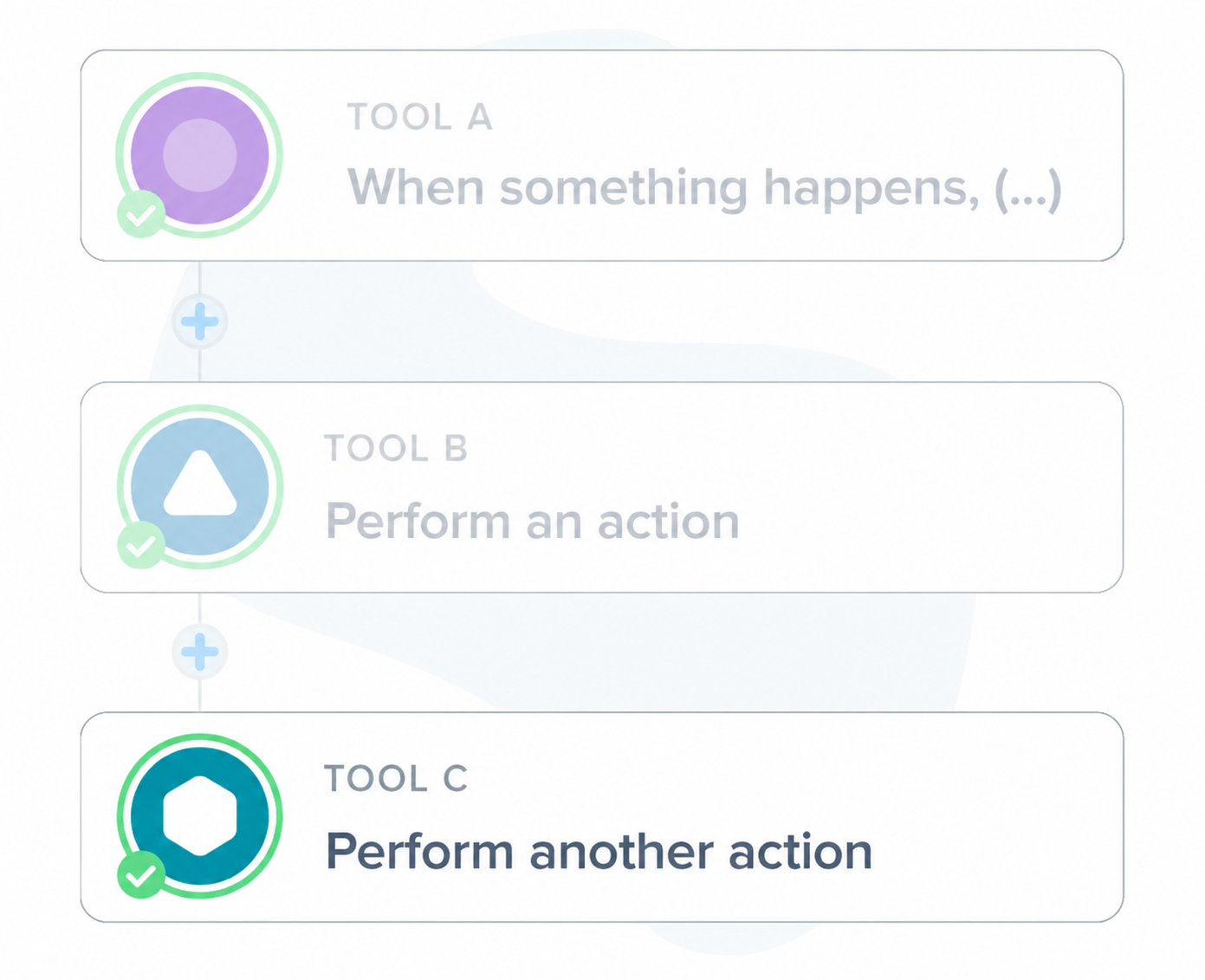
Pluga also lets you link tools together to build more advanced workflows.
For example, when the trigger fires, the first action creates a report in Reportei, and the second sends a notification to the team.
This makes it easier to track your operations and reduces back-and-forth communication.
Marketing automation examples
During the livestream, Eduardo Campos showed how his agency, Astronauta Martech, uses the integration to make the team’s work faster and more consistent.
These were the examples he shared:
Requesting reports through Forms
By connecting Google Forms, Reportei, and Slack, the Astronauta team can request client reports faster and in a more structured way:
- A team member can fill out the form with details such as the analysis period and the accounts to include;
- Pluga connects Forms to Reportei, which creates the report automatically based on the mapped fields;
- Once the report is ready, the team member receives a Slack notification (or a WhatsApp Business notification, if preferred) to review the report and send it to the client.
One tip that helps Astronauta in its daily work is to include comparison periods in the form.
This improves the analysis without extra work for the team: the automation retrieves the right fields, and Reportei generates a standardized report.
Creating Timeline milestones
Eduardo also uses the integration to document events that affect results in Reportei’s Marketing Timeline. He presented three ways to do this during the livestream:
1. RD Station leads + AI + Timeline:
When a lead converts through an RD Station form on your website, ChatGPT summarizes the submitted data and actions.
The generated text then becomes a Timeline milestone, helping the sales and marketing teams keep a record of the client’s or lead’s context.
This information can then return to RD Station to update the contact or create segments, such as “interested in product X.”
2. Team or client meetings + AI + Timeline:
After a meeting, the transcript, participants, and main topics are submitted through Forms and organized by AI.
The final summary is added as a Timeline milestone. Everyone can see the points that guide the next steps in chronological order, with nothing left out.
3. Important emails + AI + Timeline:
Emails sent to clients to confirm agreed details or deliver reports can also be summarized and turned into milestones.
This gives you a clear, shared history without having to keep referring to old conversations.
In each of these scenarios, digital marketing automation connects the tools, while Reportei records what was done, when, and why.
Try marketing automation with Pluga
If you want a practical way to automate your marketing activities, the Reportei and Pluga integration offers security, convenience, and scalability for your projects.
You can use the templates presented during the livestream as a starting point, adapt the fields to your needs, and put automation to work for you.
Create your first automation by connecting Reportei and Pluga, and see how it frees up time for your most important tasks in the first few days.
FAQ: frequently asked questions about marketing automation
Find answers to common questions about Pluga and its integration with Reportei:
No. Pluga is designed to work without code. Select the source, trigger, destination, and action, then map the fields and test the workflow. You can have a workflow running in a few minutes.
There are more than 100 popular integrations, including CRMs, automation platforms, forms, ERPs, payment gateways, online spreadsheets, messaging platforms, and more. The catalog also grows regularly.
Yes. For example, you can trigger an automation when a dashboard is created or updated in Reportei, then send a team notification or record data in another tool.
Mapping defines which information from the source populates the destination fields. For example, “Analysis period” in Forms supplies the “Start date/end date” fields in Reportei. This ensures consistency and reduces rework.
Yes. You can link several actions: create a report in Reportei > add a row to a spreadsheet > notify the team in Slack > update a lead in the CRM.
Yes. Automatic notifications and Timeline milestones create a shared project history, making handoffs and quick decisions easier without searching through emails.
Yes. For example, you can add steps to summarize or organize content, such as meeting transcripts or form responses, before sending the final text to Reportei’s Timeline.
Pluga displays logs and status updates in real time. You can track what ran, adjust mappings, and keep improving your workflows.
No. It eliminates repetitive tasks and ensures consistency. Your team still handles strategic analysis, with more time and context to make better decisions.