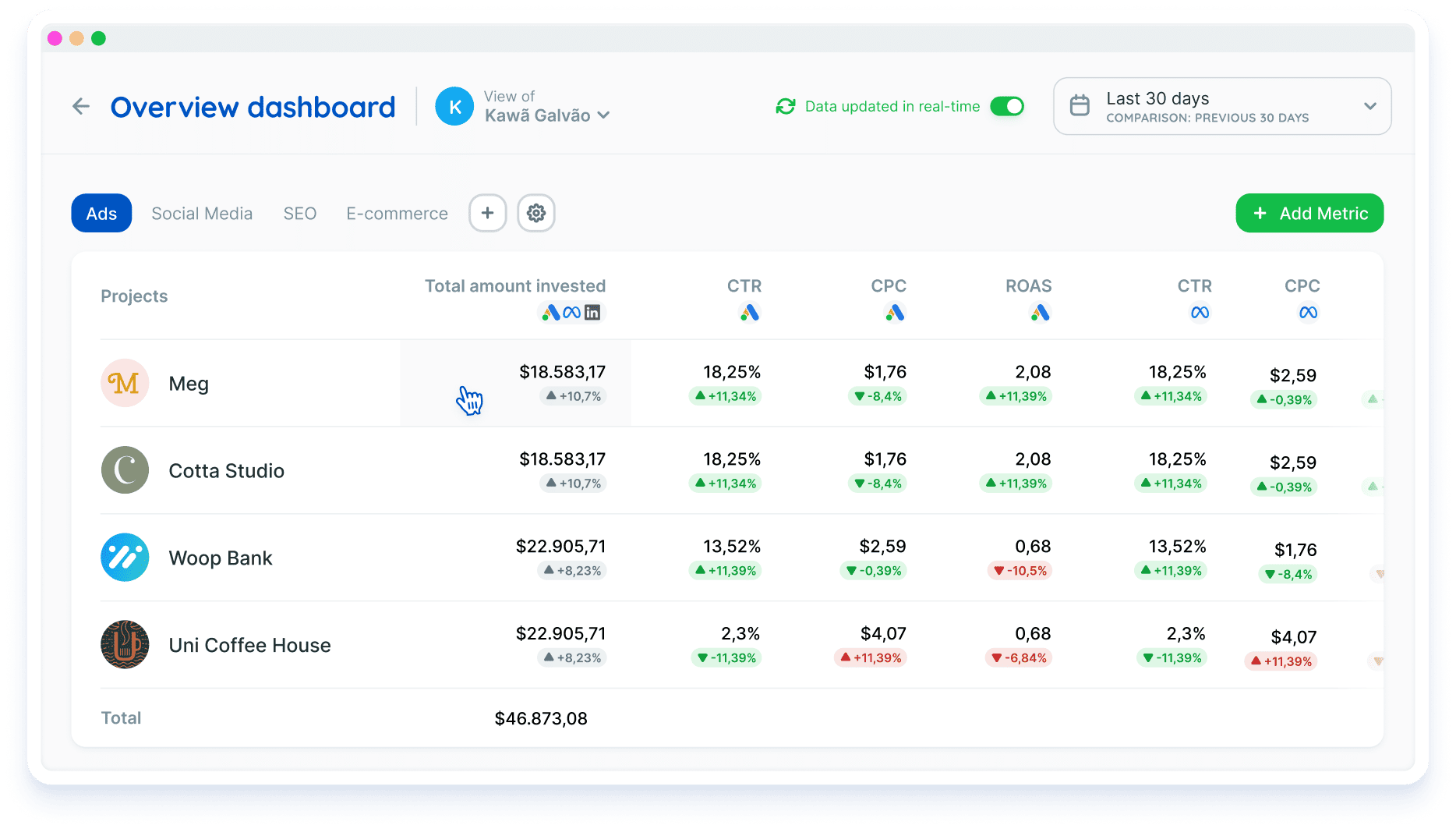
The data that matters most, in a single dashboard
Track the key performance indicators of all your projects on one screen and make decisions faster.
- Get an overview of all your projects in a single dashboard
- Customize the dashboard with the key metrics you want to track
- Create tabs with different focuses (e.g. Paid Traffic, SEO, Franchise Management)
- See your data in real time or for past periods
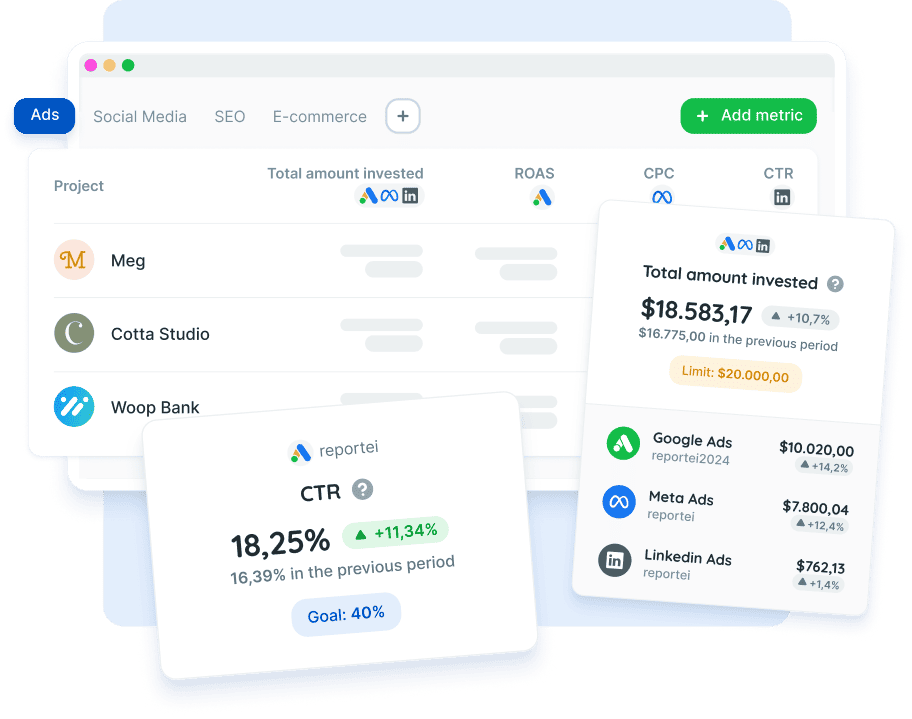
Monitor the key metrics of all your projects in a single dashboard, making it easier to analyze the indicators that matter most
 Start your free trial
Create multiple tabs and split your dashboard by goal
Create a custom view inside the dashboard and organize your projects by goal. For example, all projects in the SEO tab and all Paid Traffic projects in their own tab.
- Organize how your projects are displayed and name each tab however you like
- Get a holistic view of the key indicators
- Quickly spot different behaviors across your accounts and make decisions fast
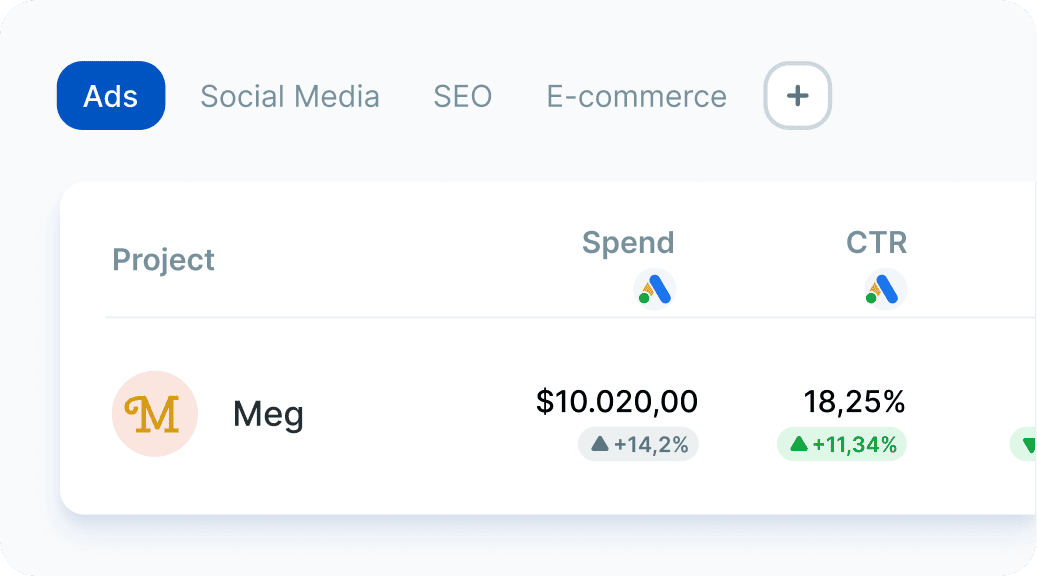
Add and sort the metrics on your dashboard
Choose which metrics appear and in what order, so the most relevant ones show up first. To get these numbers already analyzed for you, check out Reportei AI.
Add metrics from any available integration, as well as grouped metrics. For example, total amount spent, adding up data from all your ad networks.
You can group metrics from ads, CRM, social media and Google Business Profile (ideal for franchise management).
Start your free trial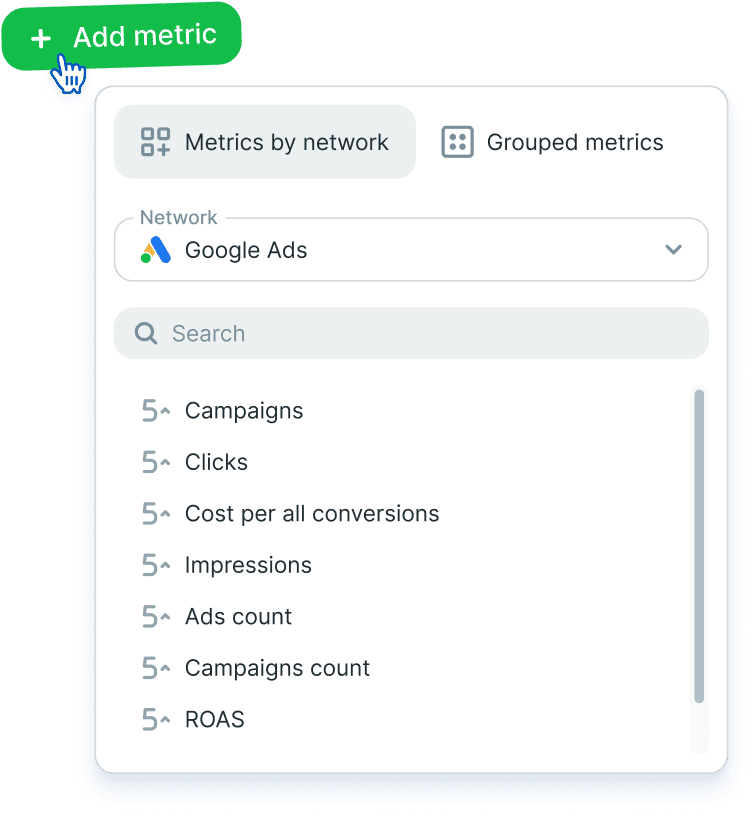
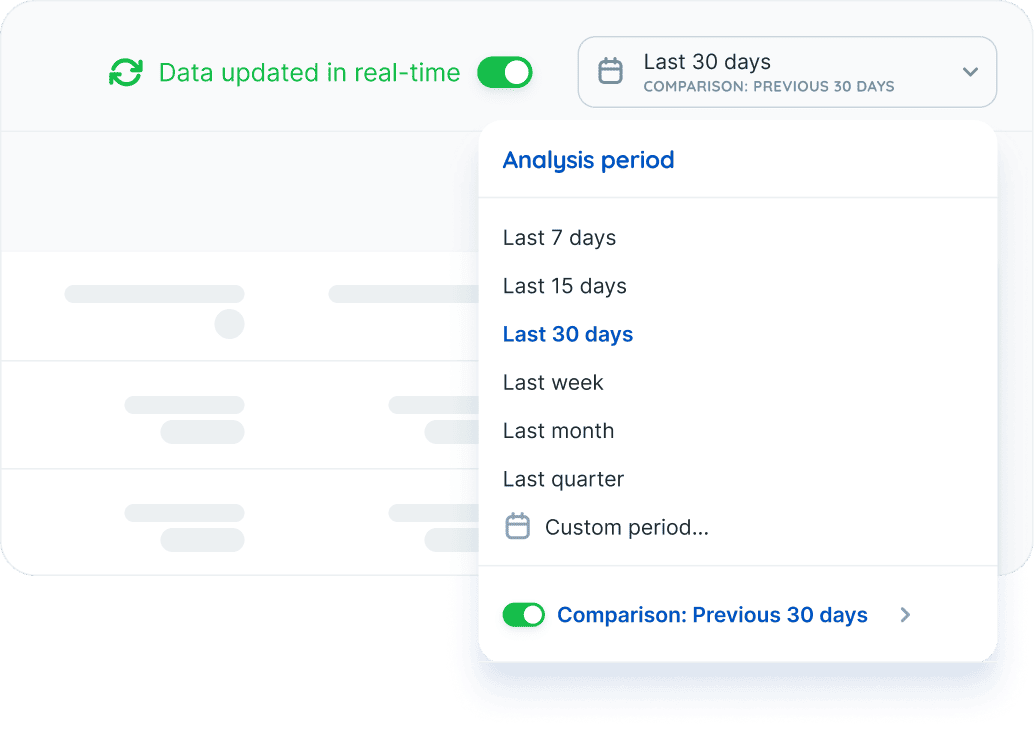
See your data in real time or for past periods
View data "live" or for past periods, choosing the analysis period you need.
Set a limit or a goal and track how your indicators perform
Set clear goals for your metrics and track the performance of each one. With Reportei Control, you set the goal and get email alerts when something goes off track.
Click a metric to add a reference value, which can be a goal or a limit set in your strategy.
Start your free trial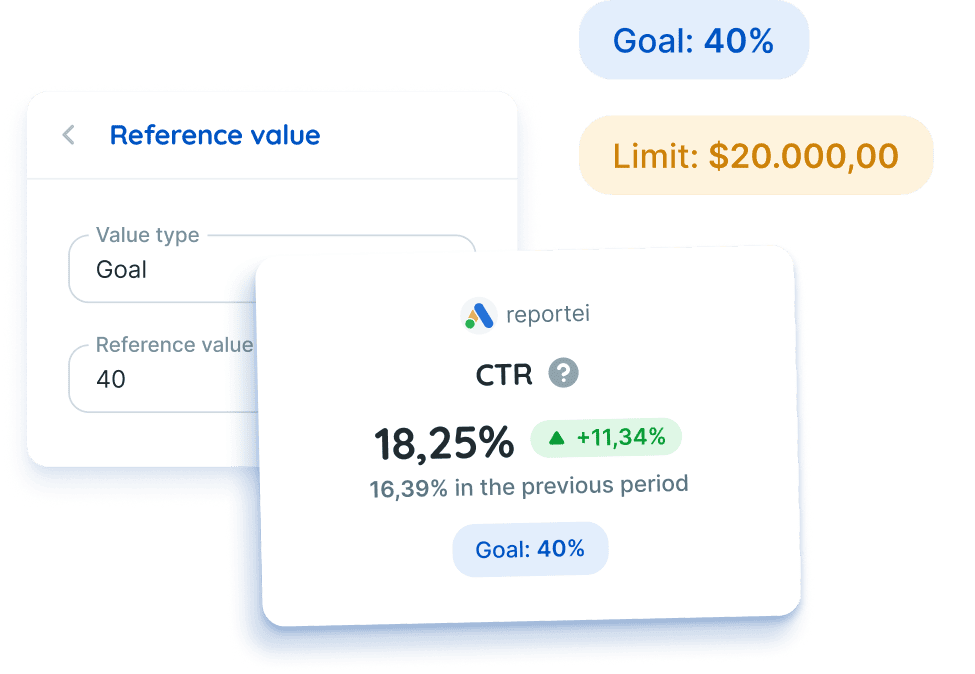
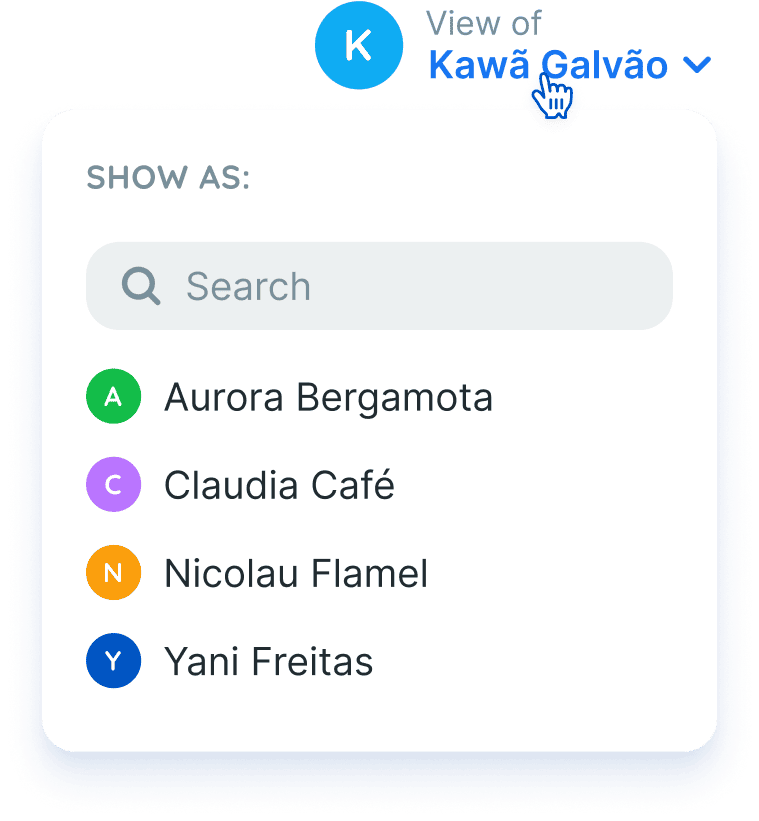
Track the performance of each team member
See project indicators grouped by the team member in charge, and easily follow individual and team performance for more effective management.
Start your free trial