
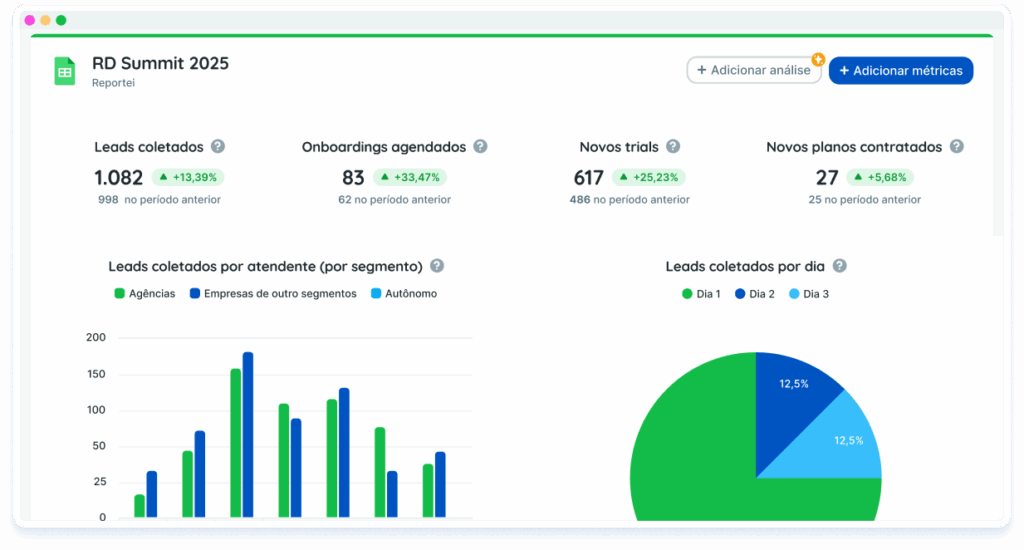












Create reports and dashboards with Google Sheets spreadsheets

Customize reports and dashboards to optimize your paid traffic strategies, analyze meaningful data, and demonstrate tangible results!

More than 10,000 companies, agencies, media buyers, franchisors, and freelancers use Reportei

Bring any data into Reportei through Google Sheets spreadsheets

More freedom to create reports and dashboards your way

With the Google Sheets integration, you can include data that is not available in any native Reportei integration. Use your sales spreadsheets, goals, or offline results within Reportei and present everything in a single report.

More flexibility by bringing any data into Reportei

Centralize data from any source

Import sales information, CRM data, leads, goals, budgets, and much more.

Combine with other integrations

Gather information from multiple sources into a single report or dashboard.

Turn data into visual metrics

Create custom metrics, charts, tables, and indicators from your spreadsheet data.

Build reports and dashboards

With the metrics created from your spreadsheet data, build reports and dashboards.

Connect your spreadsheet and turn your data into reports and dashboards

1

Connect your Google account

Integrate your Google Sheets with Reportei and select the spreadsheet you want to use as a data source.
2

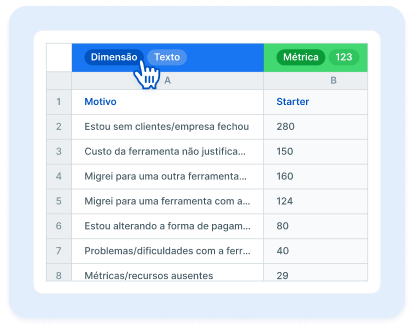
Map your spreadsheet columns

Define the type and formatting of the columns so Reportei knows how to interpret the imported data.

3

Create metrics, charts, or tables

Reportei’s AI will create metrics based on the imported data, but you can also create your own.
4

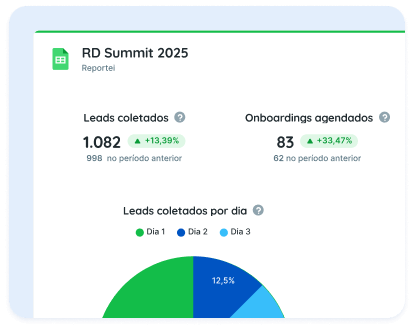
Generate a report or dashboard

Add the new metrics to your report or dashboard and visualize everything alongside your other Reportei integrations.
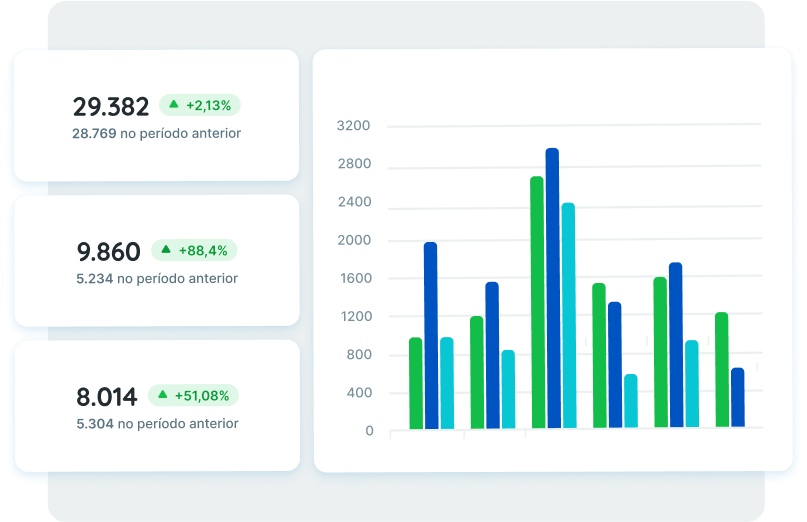

SPREADSHEET REPORTS FROM GOOGLE SHEETS

Present data to your clients in a more practical way

Used daily by more than 10,000 agencies, freelancers, media buyers, and companies, Reportei allows you to generate unlimited, professional, and customized reports to simplify communication of results with your clients.

That’s why our custom report with metrics from your Google Sheets spreadsheet includes the most important information to demonstrate whether your strategy was successful or not, and which actions will be planned to achieve even better performance in the future.

Discover the benefits of creating reports in Reportei

In addition to reports with Google Sheets data, you can also generate reports from Instagram and Instagram Ads, Facebook and Facebook Ads, Google Analytics, Google Ads, YouTube, LinkedIn and LinkedIn Ads, Google Search Console, Google Business Profile, Mailchimp, ActiveCampaign, WooCommerce, and RD Station. Find the ideal plan for your projects and generate complete, customized, and objective reports for your clients!