
Klaviyo Reports and Dashboards
Track the results of your email campaigns, forms, and automations with Reportei’s Klaviyo reports and dashboards
Trusted by more than 10,000 companies every month












No more wasting time!
With the Klaviyo report and dashboard integrated into Reportei, your team tracks the performance of campaigns, forms, and automation flows in one place, without needing to export spreadsheets or build reports manually.
On top of that, you get access to a range of important features that make communicating with your client even clearer and more practical, such as: customizing templates for your reports and dashboards, adding or removing metrics based on what’s essential for your project; adding analyses (in text, video, and photo) to complement the information with your own take on the results; and building a Timeline that lays out, in chronological order, every stage planned and executed in your email marketing strategy.
In other words, you have all the tools you need to create reports and dashboards that help both improve your strategy and align goals with your clients!
Generate Klaviyo reports and dashboards in just a few clicks
Start generating Klaviyo reports and dashboards right now and bring together the results of your campaigns, forms, and automation flows automatically and with much more ease.
What metrics can I analyze in the Klaviyo report and dashboard?
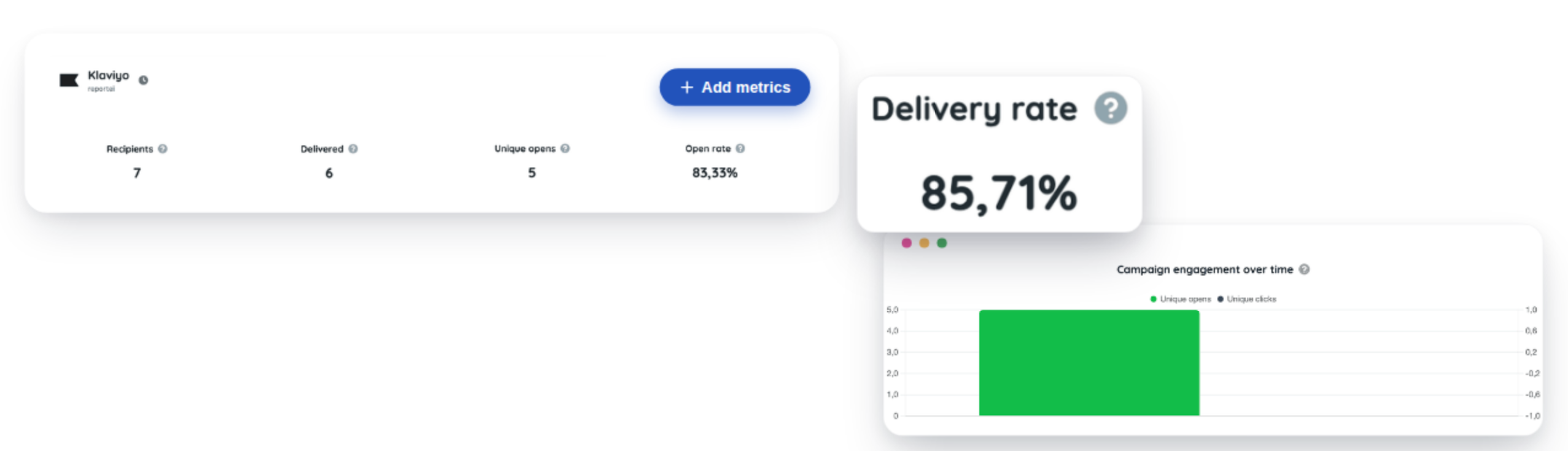
The Klaviyo report and dashboard includes the key metrics for evaluating the performance of your email marketing efforts. These are the campaign, form, and automation flow metrics:
Conversion revenue
Revenue per recipient
Recipients
Delivered
Unique opens
Open rate
Unique clicks
Click rate
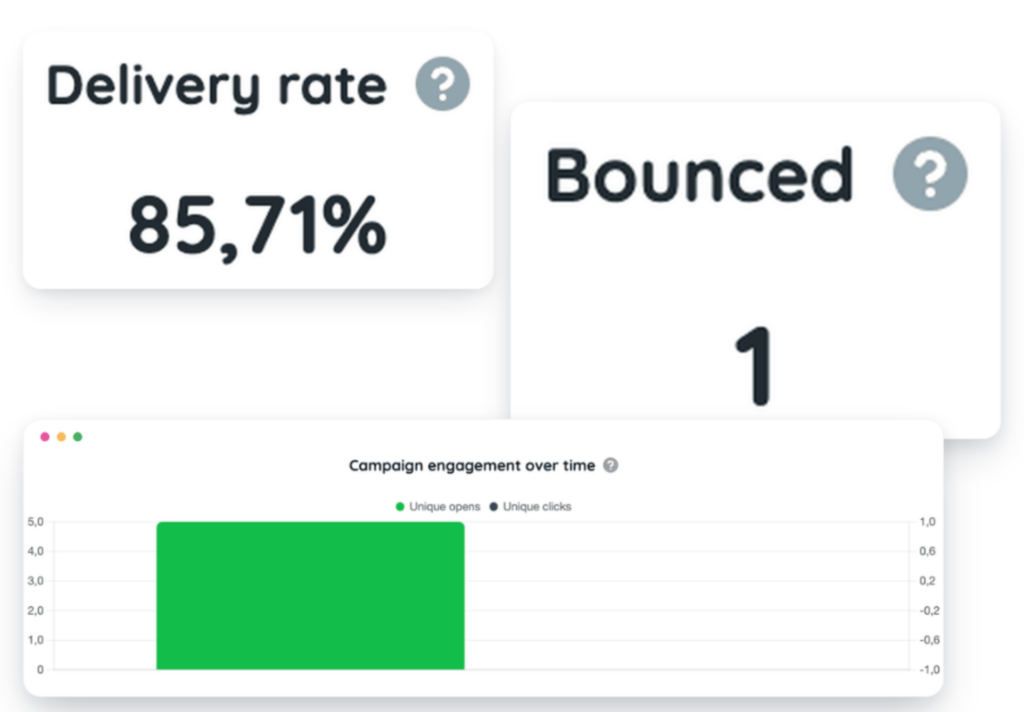
Delivery rate
Bounces
Spam complaints
Click-to-open rate
Unsubscribes
Unsubscribe rate
Campaign engagement over time
Flow engagement over time
Delivered vs. bounces
Top campaigns
Best-performing flows
Form performance
A report and dashboard exclusive to Reportei!
By connecting your Klaviyo account to our tool, you can quickly import all your data and align results with those from other media and marketing channels.
You can analyze performance across everything from email campaigns to automation flows and forms, understanding what’s driving the most revenue and engagement for your e-commerce business!
This means you come out ahead with more day-to-day convenience and time savings that let you focus on what really matters: your client’s email marketing strategy.
On the other end, it also helps you build a closer relationship with your agency’s or company’s clients and decision-makers, so they understand not just the final result, but also the whole process behind getting there and the next steps for the future.
What are you waiting for? Use Reportei to generate Klaviyo reports and dashboards. You can also generate other digital marketing reports and dashboards and social media reports and dashboards that are part of your strategy.
Klaviyo reports: present data to your client in a more practical way
Used every day by more than 8,000 agencies, freelancers, traffic managers, and companies, Reportei lets you generate unlimited, professional, and customized reports to make communicating results with your clients easier.
That’s why our Klaviyo report includes the most important information to show whether your email marketing strategy was a success or not, and what actions to plan for even better performance in the future.
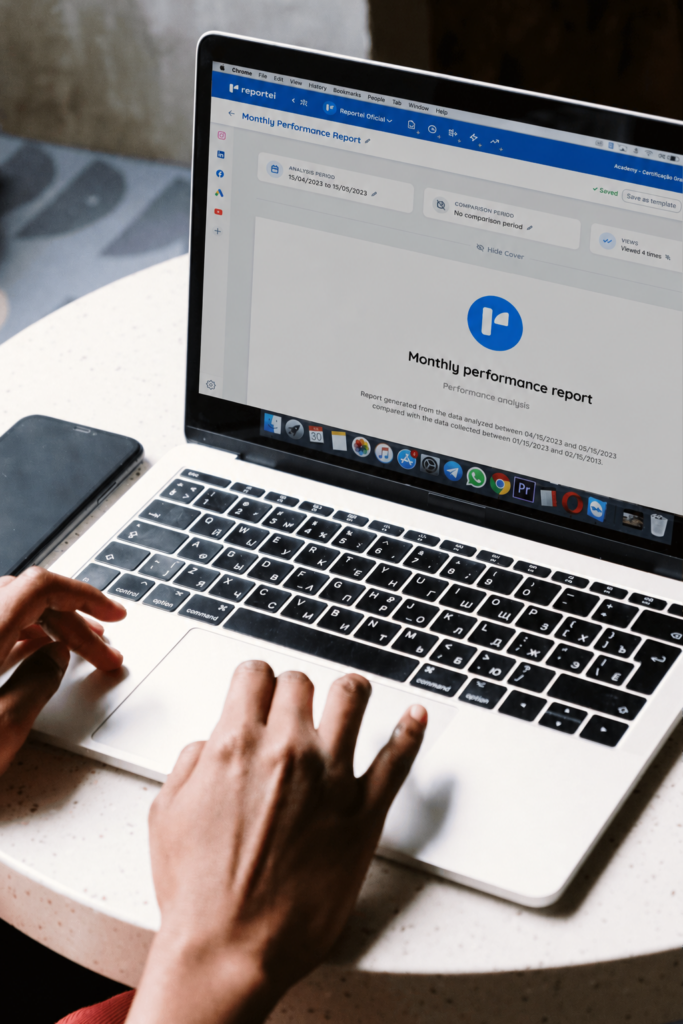
To present the data in an objective and fully clear way, you get access to a set of features that adapt perfectly to your reality and your client’s, as described below:

Your benefits
- Add, remove, or reorder metrics based on what's most relevant for the project and the decision-maker;
- Add one or more analyses (with text, video, and photos) to each section of the report, if you want to interpret the data and explain a particular result in more detail;
- Create a Timeline to visually show which actions were taken at each stage of a given email marketing strategy and what results were achieved;
- Download the report as a PDF;
- Send the report to your client via a link;
- Send the report via WhatsApp.